Хочу бонус !
Fortnite
Reviews
We can recommend
В назначении платежа может быть что-то обычное, например оплата пиццы или перевод на мобильную связь Таджикистана. Так и задумано: банки неохотно проводят платежи таким сайтам напрямую, поэтому оплату принимает партнёрская платёжная система, которая работает с казино, рулетками, CS2 и другими такими сервисами. Сумма иногда отличается на 1–3% — это комиссия партнёра, на сам заказ она не влияет.
Если для оплаты будет QR-код, сканируйте его строго в самом приложении банка. Не в веб-версии и ни в какой другой. На iOS, если приложение не установлено, из браузера не сканируйте.
Features
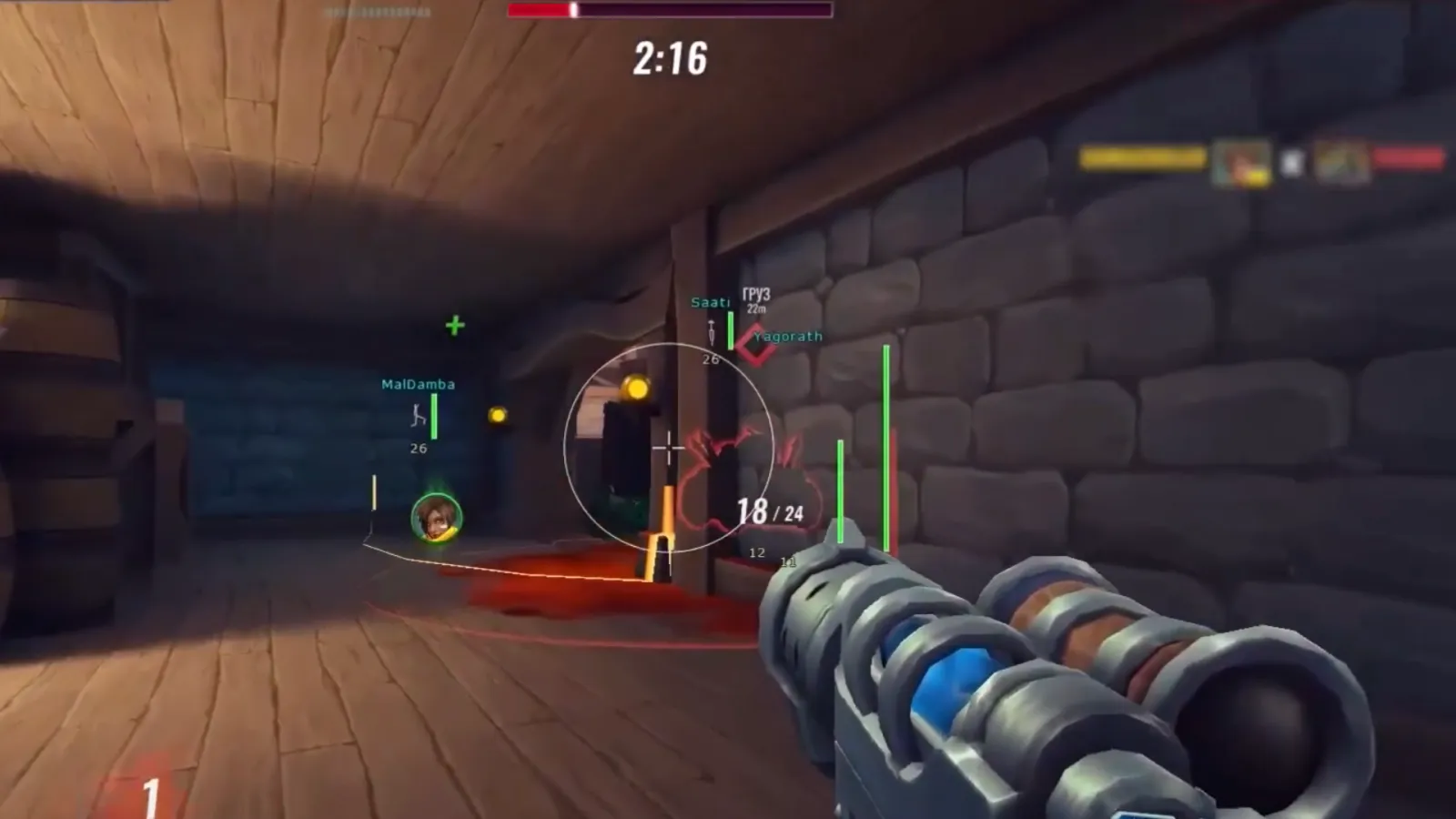
Aimbot Type: (Static; Curved)
Aimbot Key
Additional Aimbot key
Display FOV
Goal
Visible ones only
Secure a goal
Secure the wounded man
Prediction
Category Settings
Common
Close combat
Rifles
Shotguns
PP (SMG)
Pistols
Sniper rifles
Other
Additionally
FOV
Smoothness
Trigger bot
Enable Trigger Bot
Trigger Bot Key
Delay before firing
Shooting time
Delay after firing
Choosing the dice
Bone
Head
Neck
Body
Belly
The nearest bone
Forced dice selection
Force selection key
Visualization
General
Rendering distance
Display AI
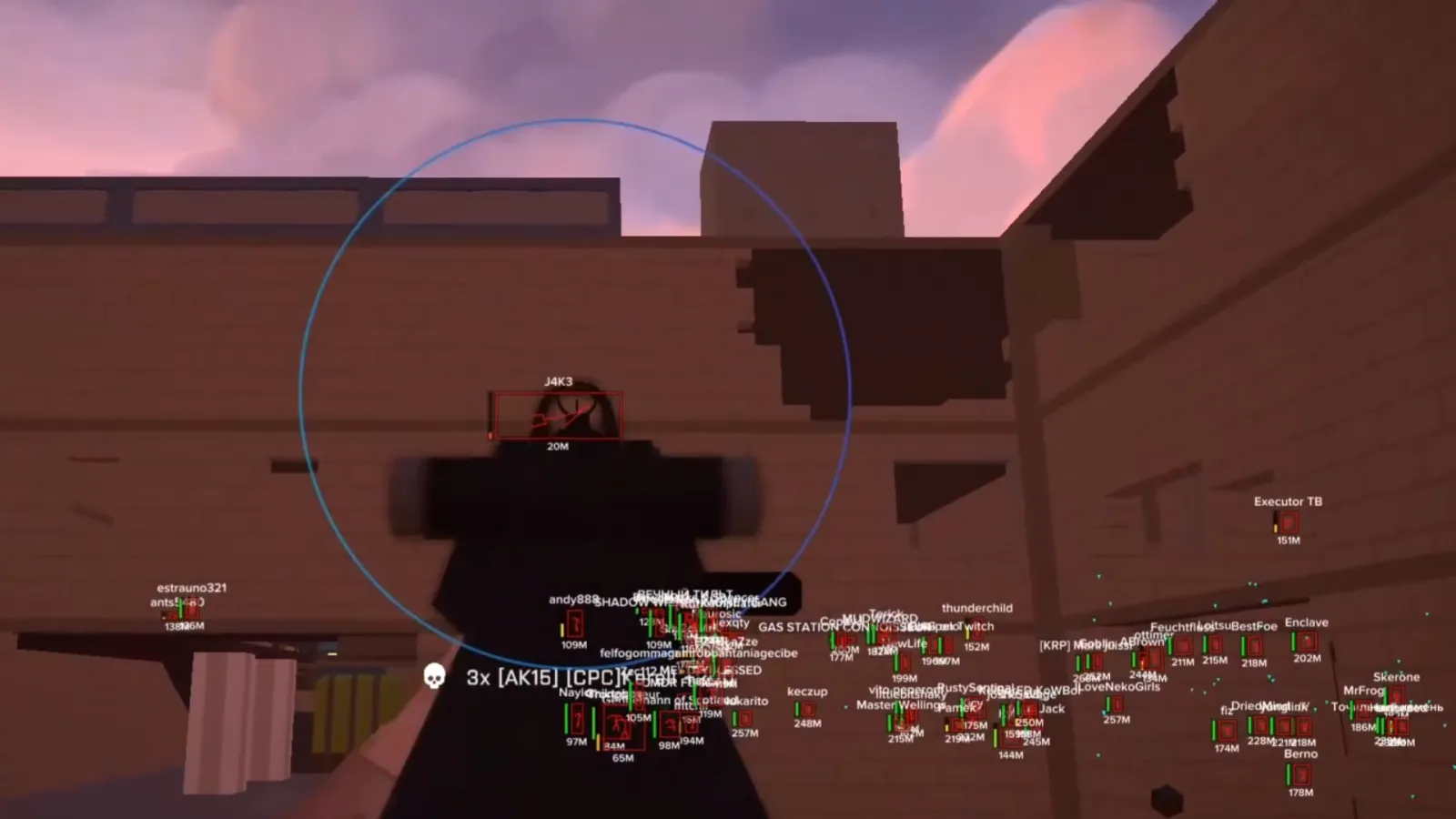
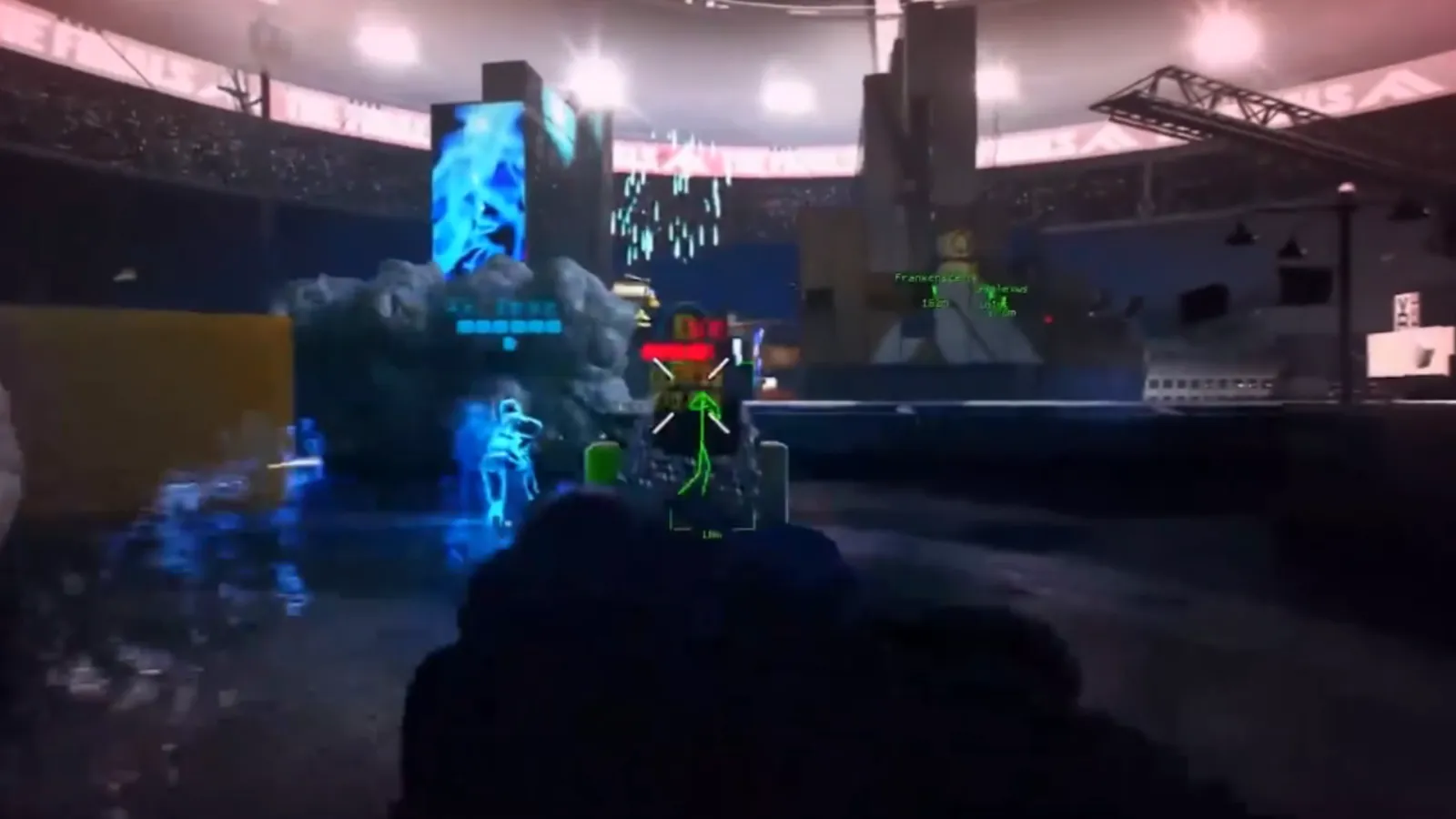
ESP box
ESP skeleton
The thickness of the skeleton
ESP line
Line type
ESP nickname
ESP distance
Additional information
ESP allies
The unique color
of the ESP kill team
ESP platform
ESP rank
ESP weapons
Radar
Turn on the radar
Radar size
Display the player
The World
of Loot Settings
Display status
Display items
The color of the loot
Display distance
Categories
Category: Weapons
Include a category
Display Settings
Name Display: Always
Distance display: Always
Display of Rarity: Always / On Hover
Category Settings
The distance
Font
Colour
Settings
General
Display FPS Overlay
FPS Limit
Sight Settings
Aim
Scope size
Font Size Settings
Font size ESP
Loot font size
Language Settings
Language: English; Chinese
Configurations
Add
Download
To share
Questions & answers
How can I find out if the cheat has received the updates?
Will there be no additional charges?
Where will the cheat appear? After the purchase.
Do you produce software?
How does unlimited access work?
Installing the reader on Windows
Go to the “Installation” section and select the required cheat.
Click “Launch”.
Follow all the instructions that appear directly on the screen.
Depending on the cheat, the game may need to be running or closed — Loader will immediately tell you exactly what needs to be done.
Follow the specified steps in order — all necessary actions will be shown on the screen.
Installing a reader on Android without root rights
Grant all necessary permissions and launch Loader.
In the “Profile” section, log in to your account using the same email address you use to log in to the website.
Go to the “Installation” section and select the purchased product.
Click “Install” and follow the on‑screen instructions.
If additional actions are required, Loader will automatically display a detailed guide.
All updates and instructions will be available in the same section.
Allow notifications so you don’t miss important updates and messages.
Installing the cheat on iOS
After the purchase, the necessary files will appear in your personal account on the website:
Open your personal account and navigate to the purchased product.
Download the certificate and the file with the detailed installation guide.
Follow the instructions in the guide — all the necessary steps are described in detail.
If an update or reinstallation is required, the up‑to‑date information will also be available in your personal account.