Хочу бонус !
LOST LIGHT + MOBILE
Reviews
We can recommend
В назначении платежа может быть что-то обычное, например оплата пиццы или перевод на мобильную связь Таджикистана. Так и задумано: банки неохотно проводят платежи таким сайтам напрямую, поэтому оплату принимает партнёрская платёжная система, которая работает с казино, рулетками, CS2 и другими такими сервисами. Сумма иногда отличается на 1–3% — это комиссия партнёра, на сам заказ она не влияет.
Если для оплаты будет QR-код, сканируйте его строго в самом приложении банка. Не в веб-версии и ни в какой другой. На iOS, если приложение не установлено, из браузера не сканируйте.
Features
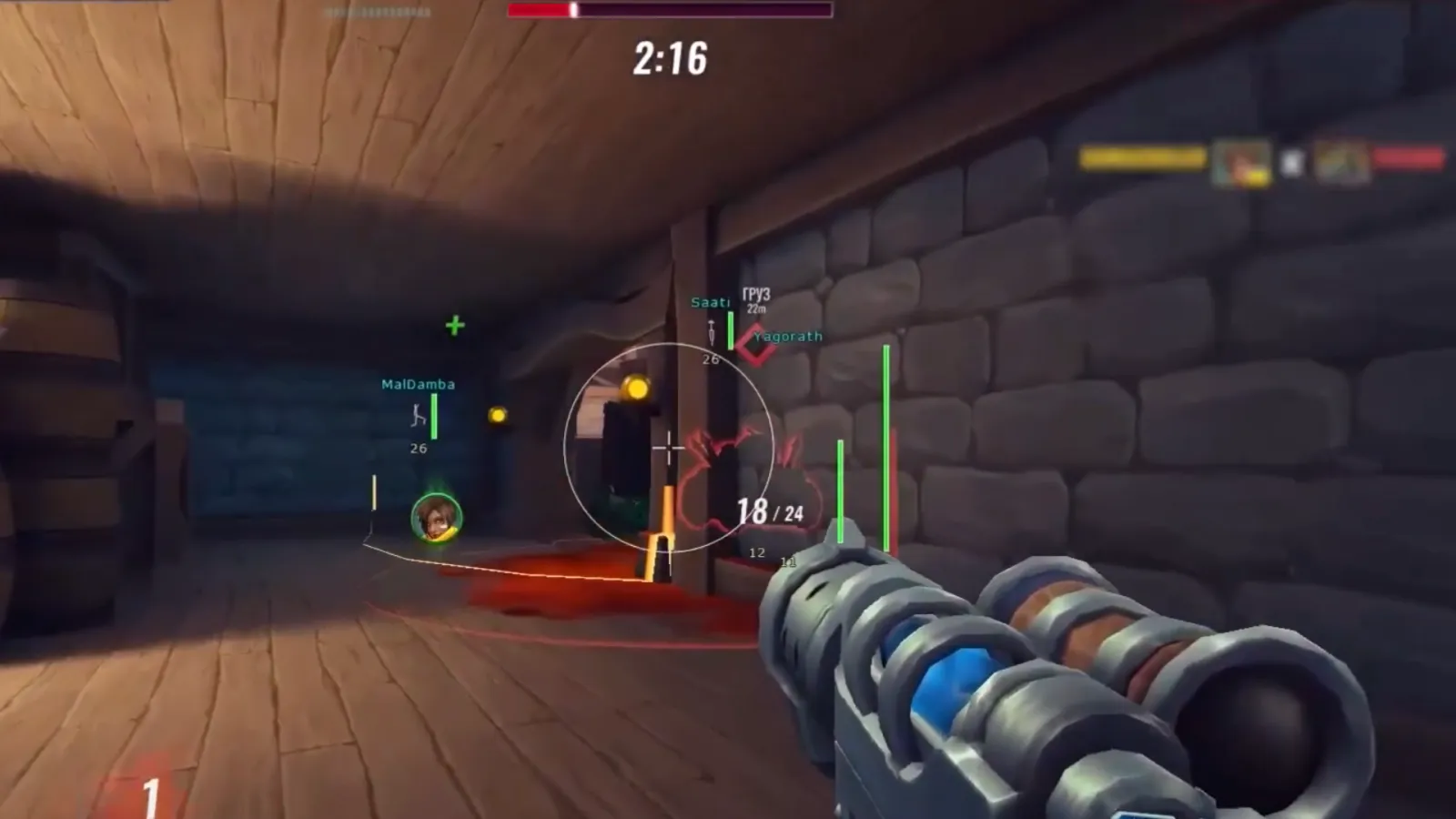
Enable / Enable aimbot
Only Visible / The aimbot will only work for those in the visible area
Dynamic FOV / Enable dynamic range of the aimbot
Draw FOV / Display the radius of the robot's operation
FOV / Change the range of the aimbot
Smooth X / Change the smoothness of the aimbot on the X axis
Smooth Y / Change the smoothness of the aimbot aiming along the Y axis
Priority / Select the priority of the aimbot
Ignore Knocked / Aimbot ignores those who are knocked down
Selected Bone / Choose a bone for an aimbot
Key / Change the key for the aimbot operation
ESP
PLAYERS:
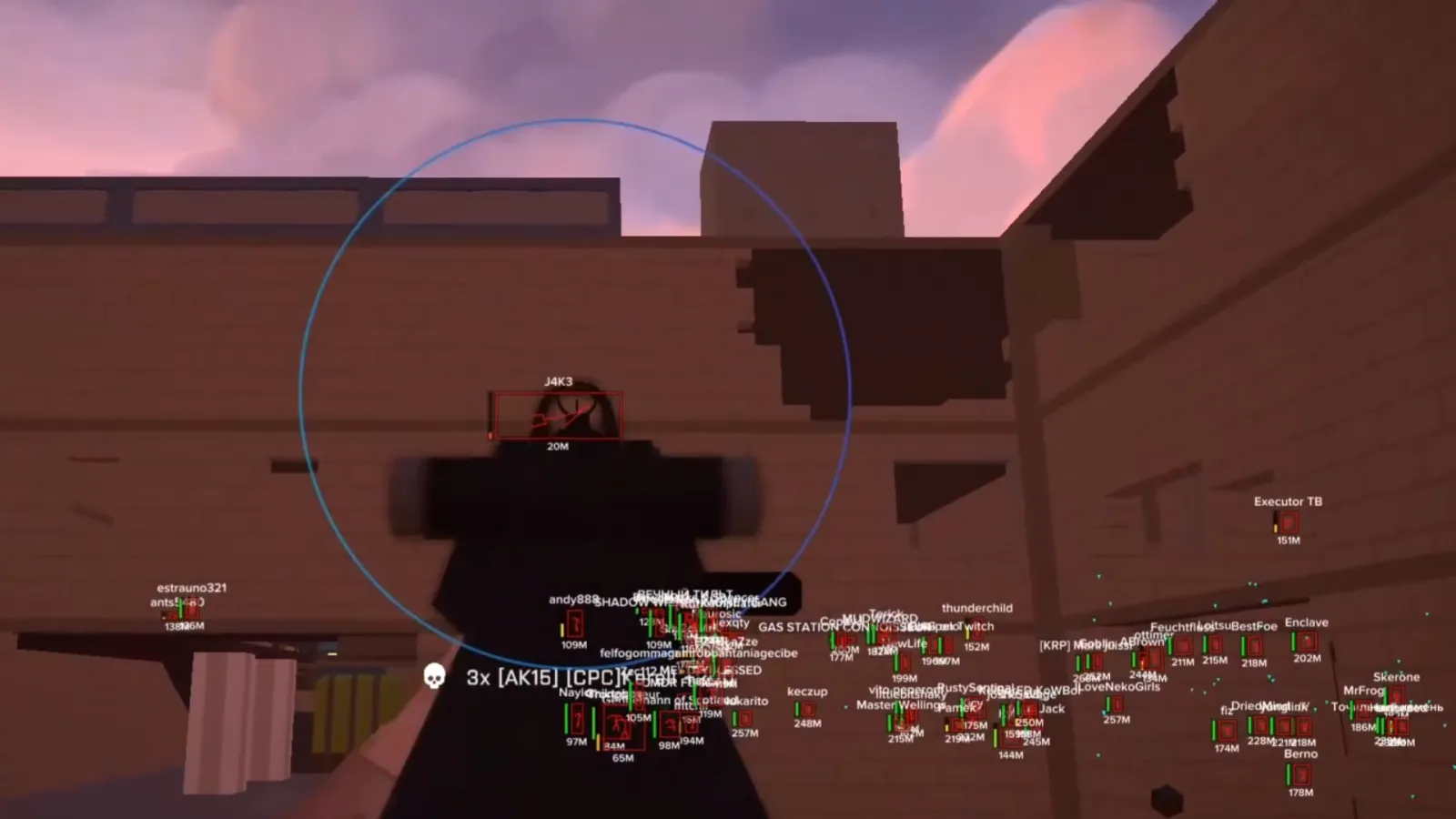
Max Distance / Display range
Box / Display 2D squares around the players
Type / Change the type of 2D squares
Thickness / Change the line thickness of 2D squares
Rounding / Change the degree of rounding of 2D squares
Style / Change the degree of inclination of 2D squares
Background / Enable background for 2D squares
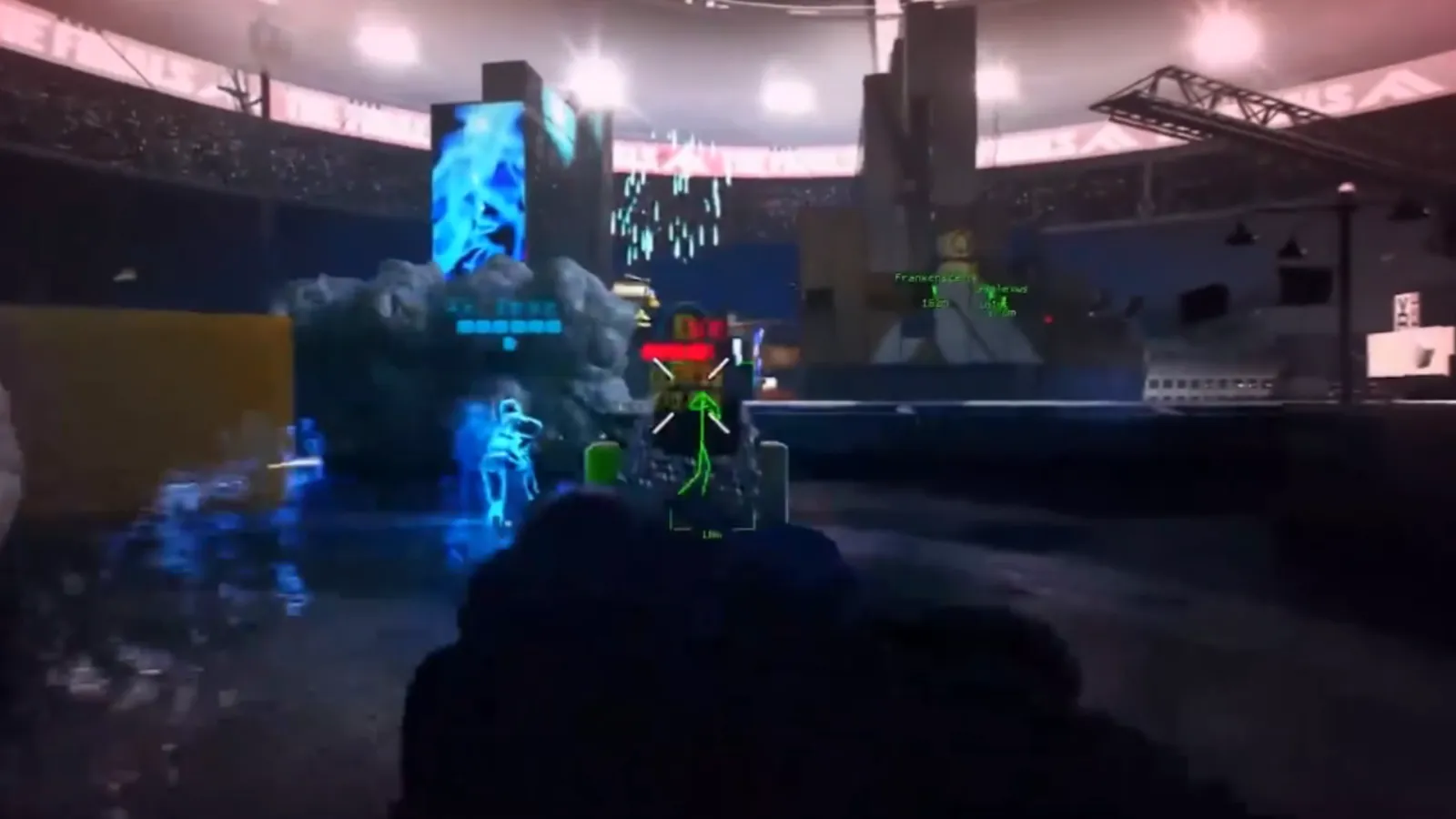
Skelet / Display the skeleton on the players
Thickness / Change the thickness of the skeleton lines
Head / Display a circle on the head
Is Filled / The circle will be completely filled in
Health Bar / Display the health of the players
Distance / Display the distance to the players
Name / Display the names of the players
Check Bot / Display bots
ITEMS & ITEMBOX:
Max Distance Item / Display range of items
Item Name / Display item names
Item Distance / Display the distance to objects
Max Distance Itembox / The display range of the item boxes
Itembox Name / Display the names of the item boxes
Itembox Distance / Display the range of item boxes
Questions & answers
How can I find out if the cheat has received the updates?
Will there be no additional charges?
Where will the cheat appear? After the purchase.
Do you produce software?
How does unlimited access work?
Installing the reader on Windows
Go to the “Installation” section and select the required cheat.
Click “Launch”.
Follow all the instructions that appear directly on the screen.
Depending on the cheat, the game may need to be running or closed — Loader will immediately tell you exactly what needs to be done.
Follow the specified steps in order — all necessary actions will be shown on the screen.
Installing a reader on Android without root rights
Grant all necessary permissions and launch Loader.
In the “Profile” section, log in to your account using the same email address you use to log in to the website.
Go to the “Installation” section and select the purchased product.
Click “Install” and follow the on‑screen instructions.
If additional actions are required, Loader will automatically display a detailed guide.
All updates and instructions will be available in the same section.
Allow notifications so you don’t miss important updates and messages.
Installing the cheat on iOS
After the purchase, the necessary files will appear in your personal account on the website:
Open your personal account and navigate to the purchased product.
Download the certificate and the file with the detailed installation guide.
Follow the instructions in the guide — all the necessary steps are described in detail.
If an update or reinstallation is required, the up‑to‑date information will also be available in your personal account.