Punk cheats | private cheats for video games

Game software that just works

  • Cards, SBP and crypto
  • Updates are free for the duration of the subscription
  • Support 24/7
0 products in the catalogue
0 from payment to key
24/7 live support
0 orders delivered automatically

Catalogue

Choose your game

75 products

7 Days To Die |  PVP SERVER Open

7 Days To Die | PVP SERVER

PC
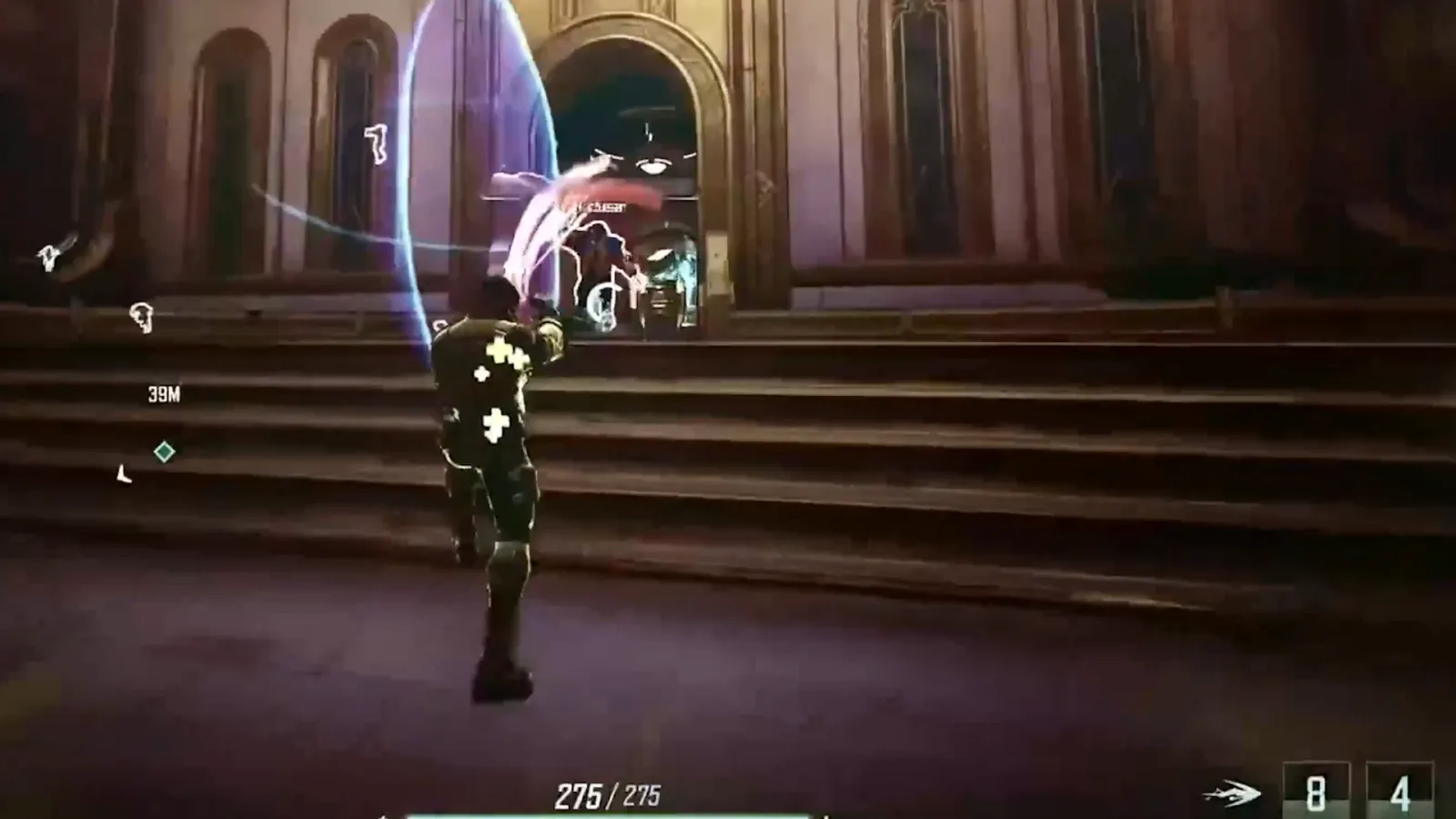
Active matter Open

Active matter

PC
APEX LEGENDS Open

APEX LEGENDS

PC
ARENA BREAKOUT Infinite Open

ARENA BREAKOUT Infinite

PC
ARK Ascended / Evolved Open

ARK Ascended / Evolved

PC
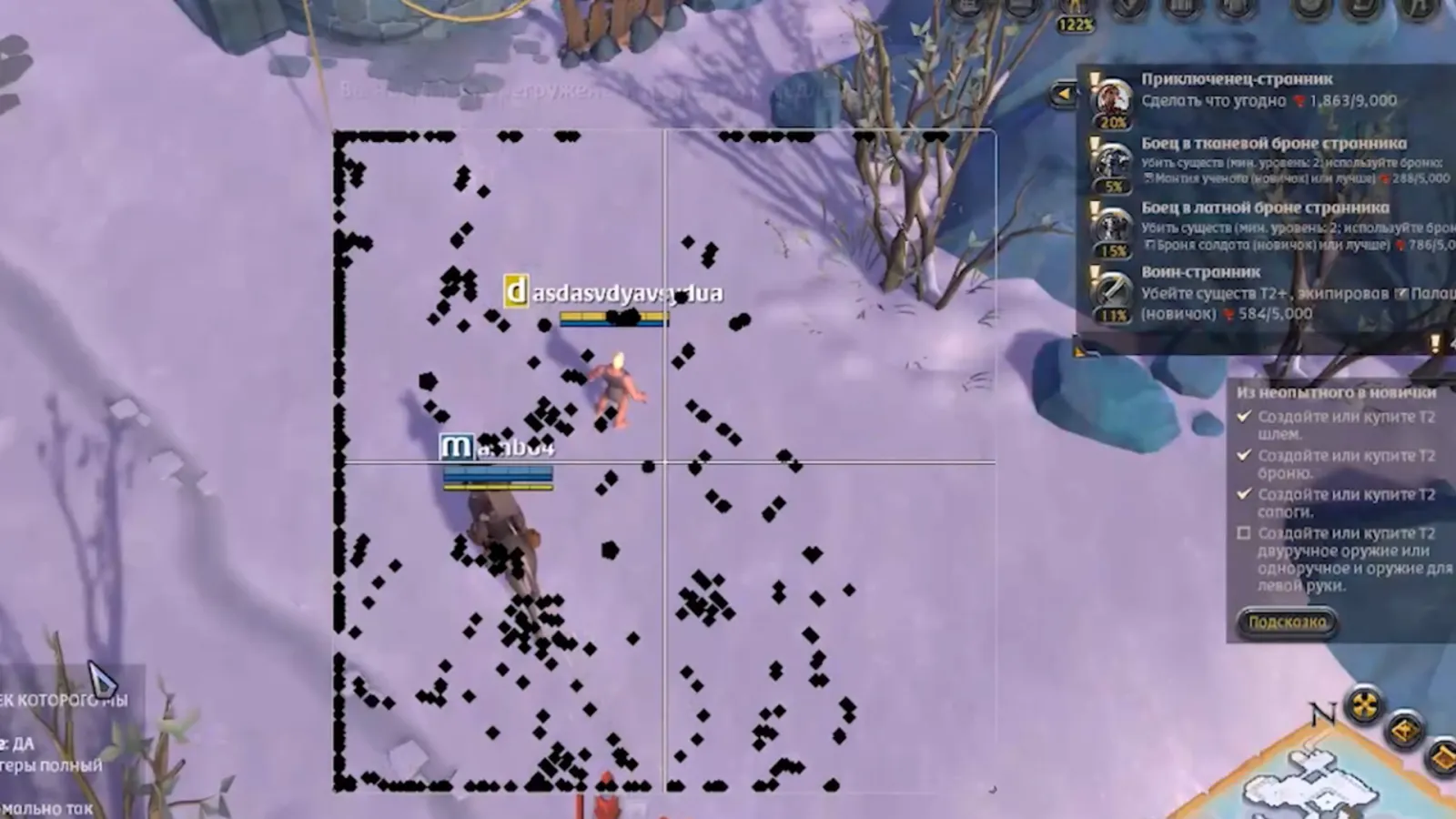
Albion Online Open

Albion Online

PC
Arc Raiders Open

Arc Raiders

PC
Arena Breakout Mobile Open

Arena Breakout Mobile

PC iOS Android
Arknights: Endfield Open

Arknights: Endfield

PC iOS Android
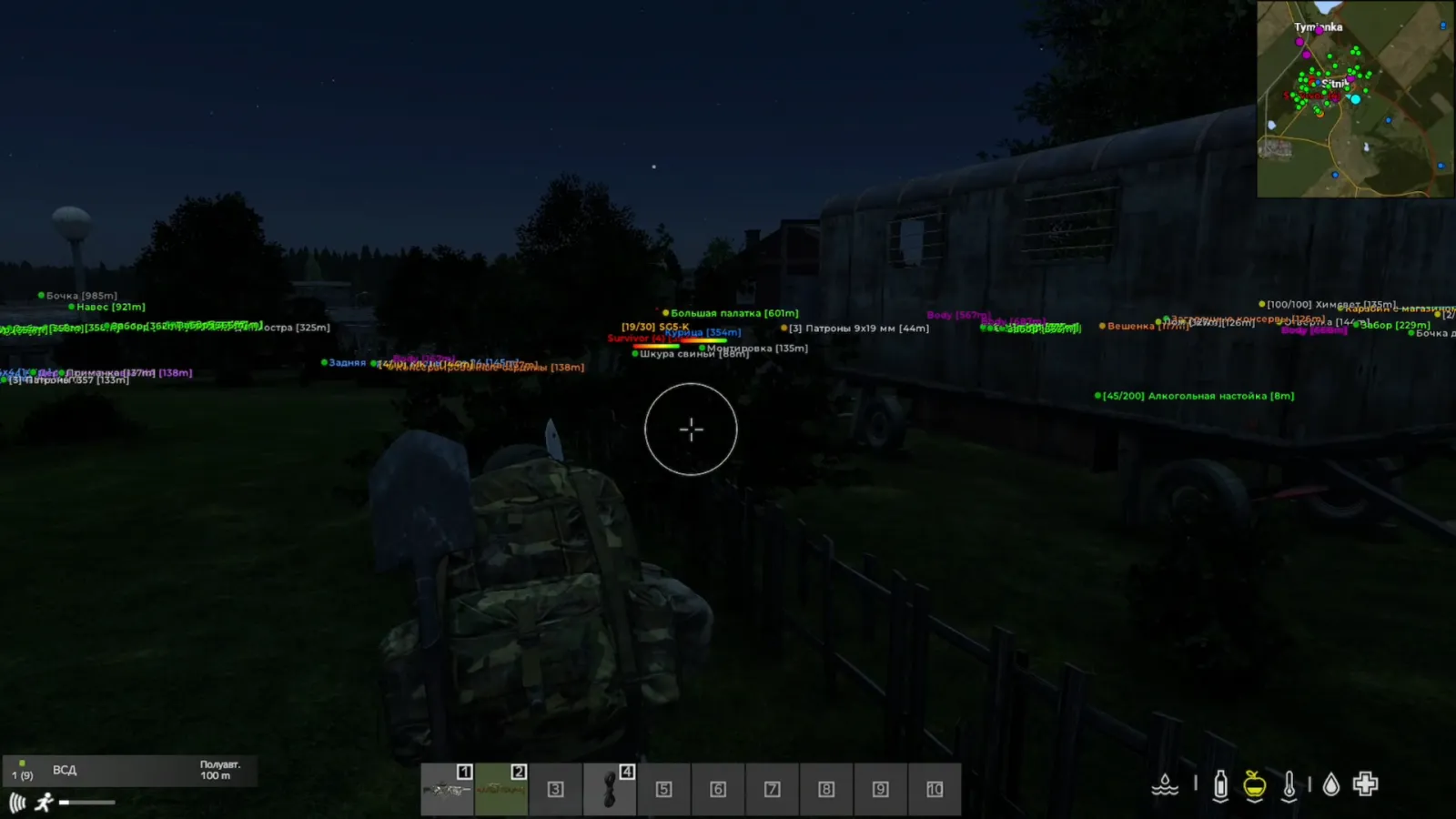
Arma 3 Open

Arma 3

PC
Arma reforger Open

Arma reforger

PC
BATTLE TEAMS 2 Open

BATTLE TEAMS 2

PC
BATTLEFIELD 2042 Open

BATTLEFIELD 2042

PC
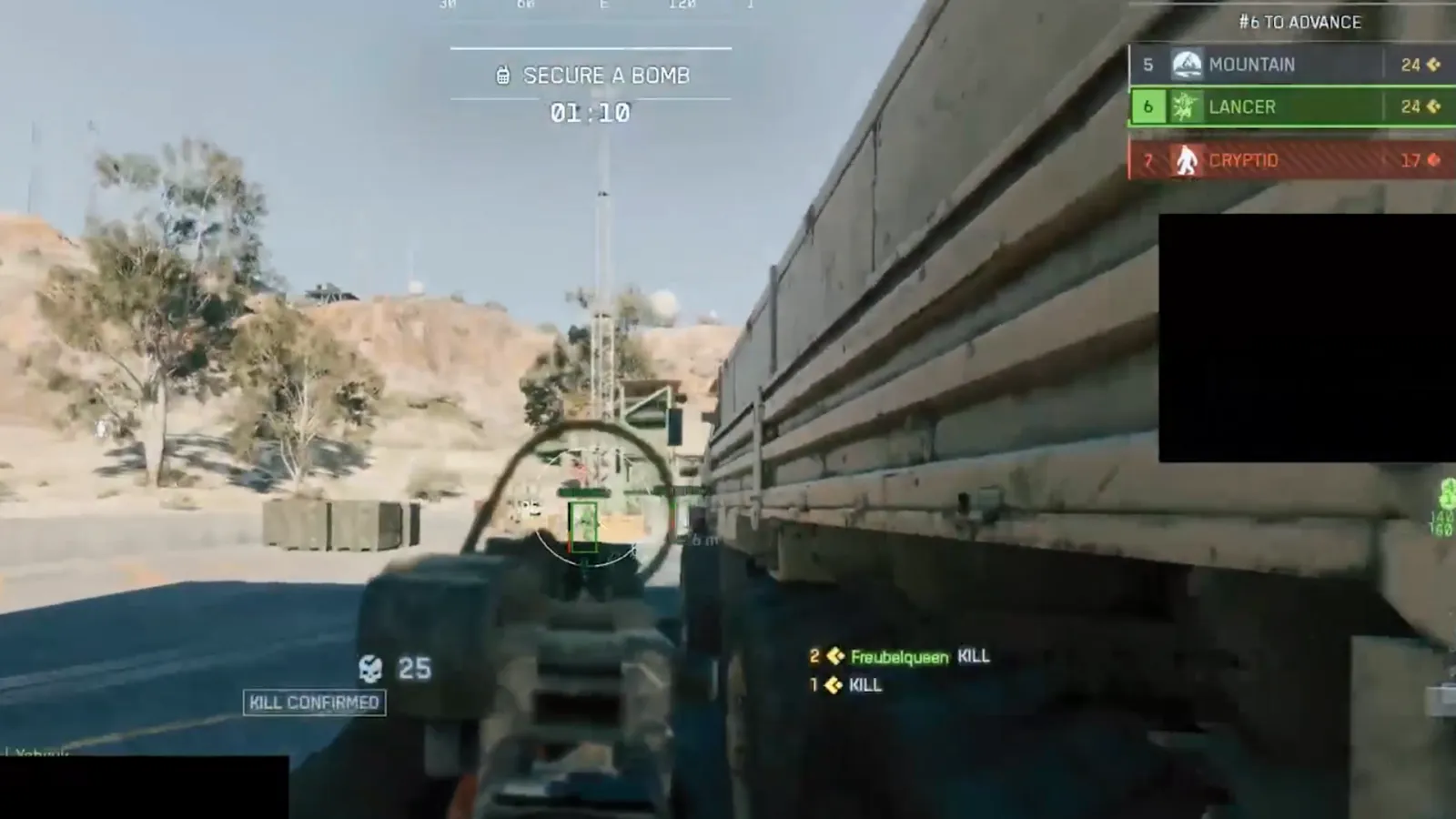
BATTLEFIELD 6 Open

BATTLEFIELD 6

PC
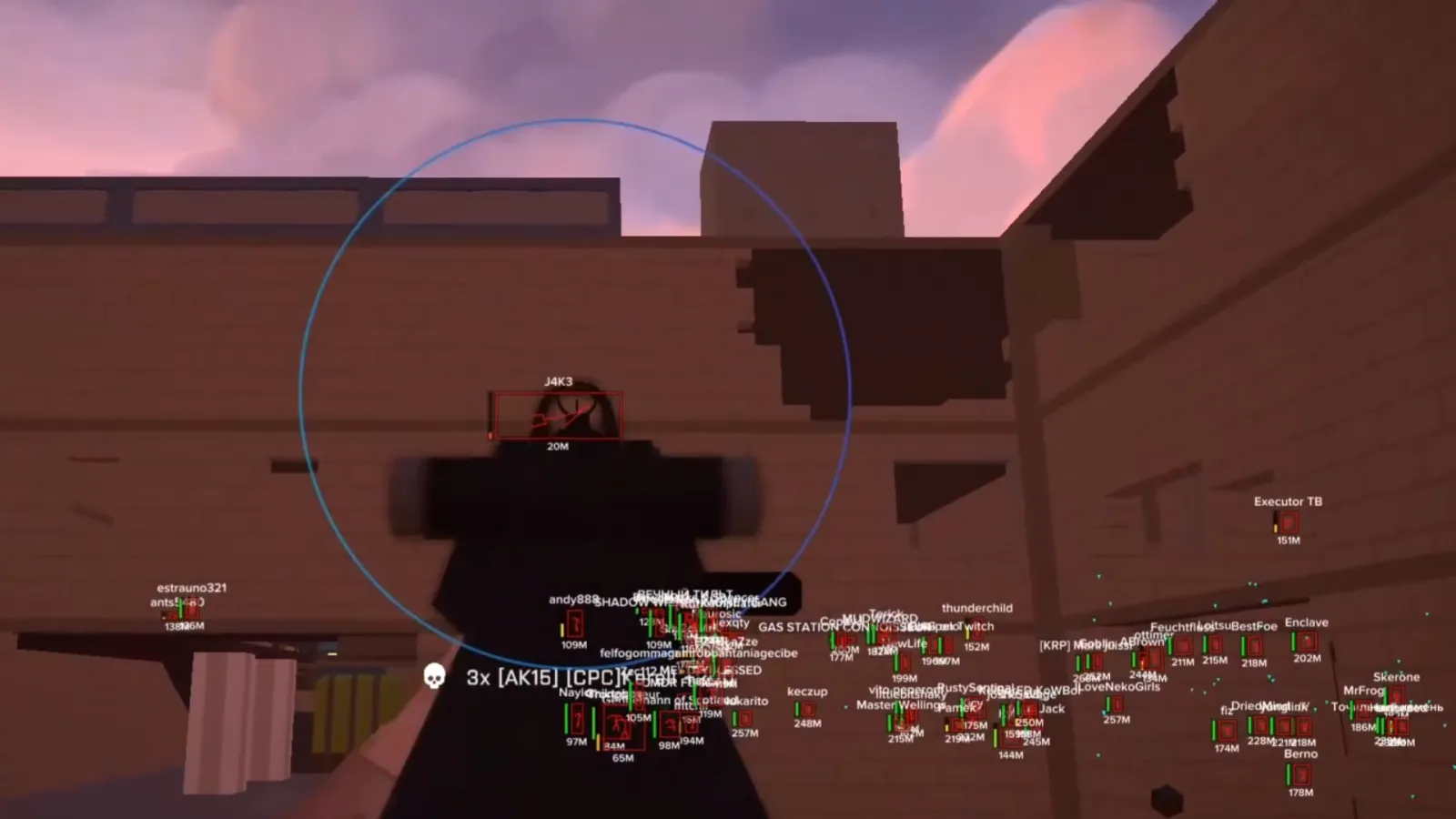
BattleBit Remastered Open

BattleBit Remastered

PC
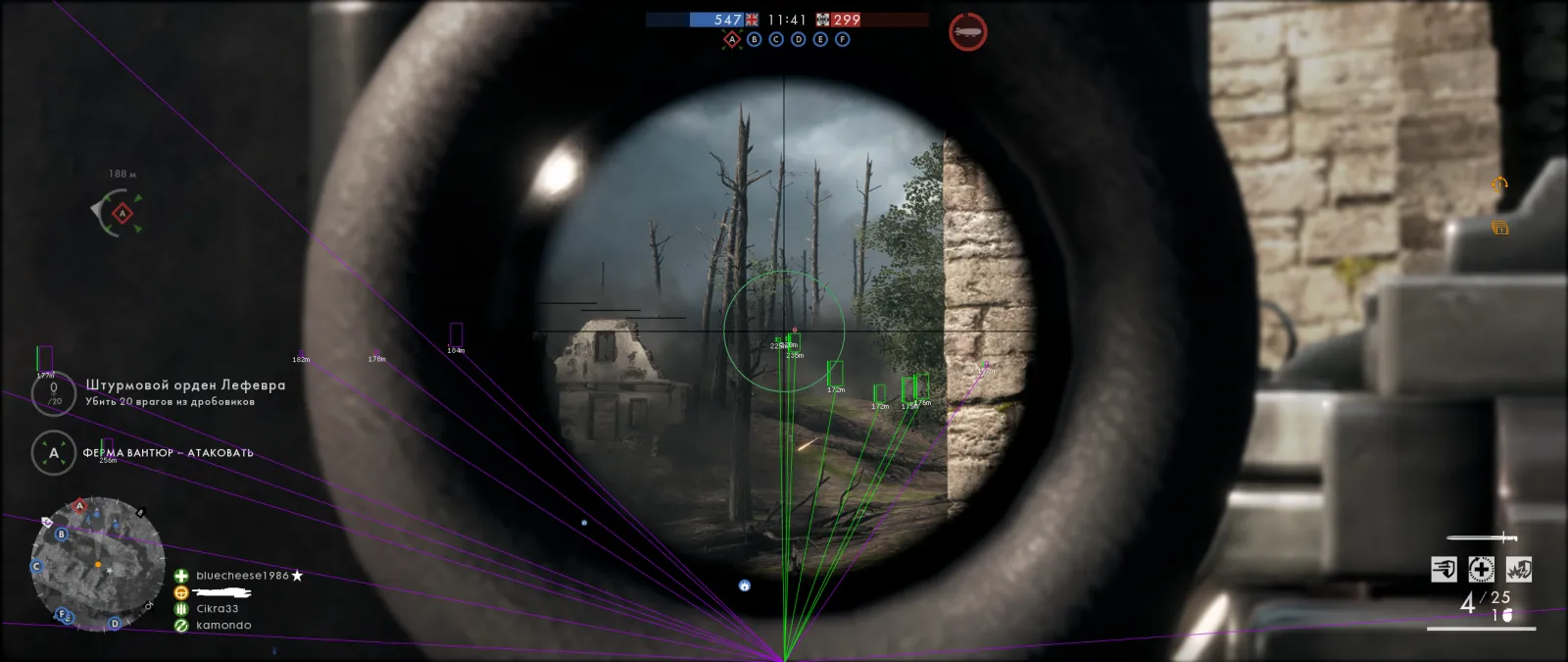
Battlefield 1 Open

Battlefield 1

PC
Battlefield 4 Open

Battlefield 4

PC
Blood Strike + mobile Open

Blood Strike + mobile

PC iOS Android
CALIBER Open

CALIBER

PC
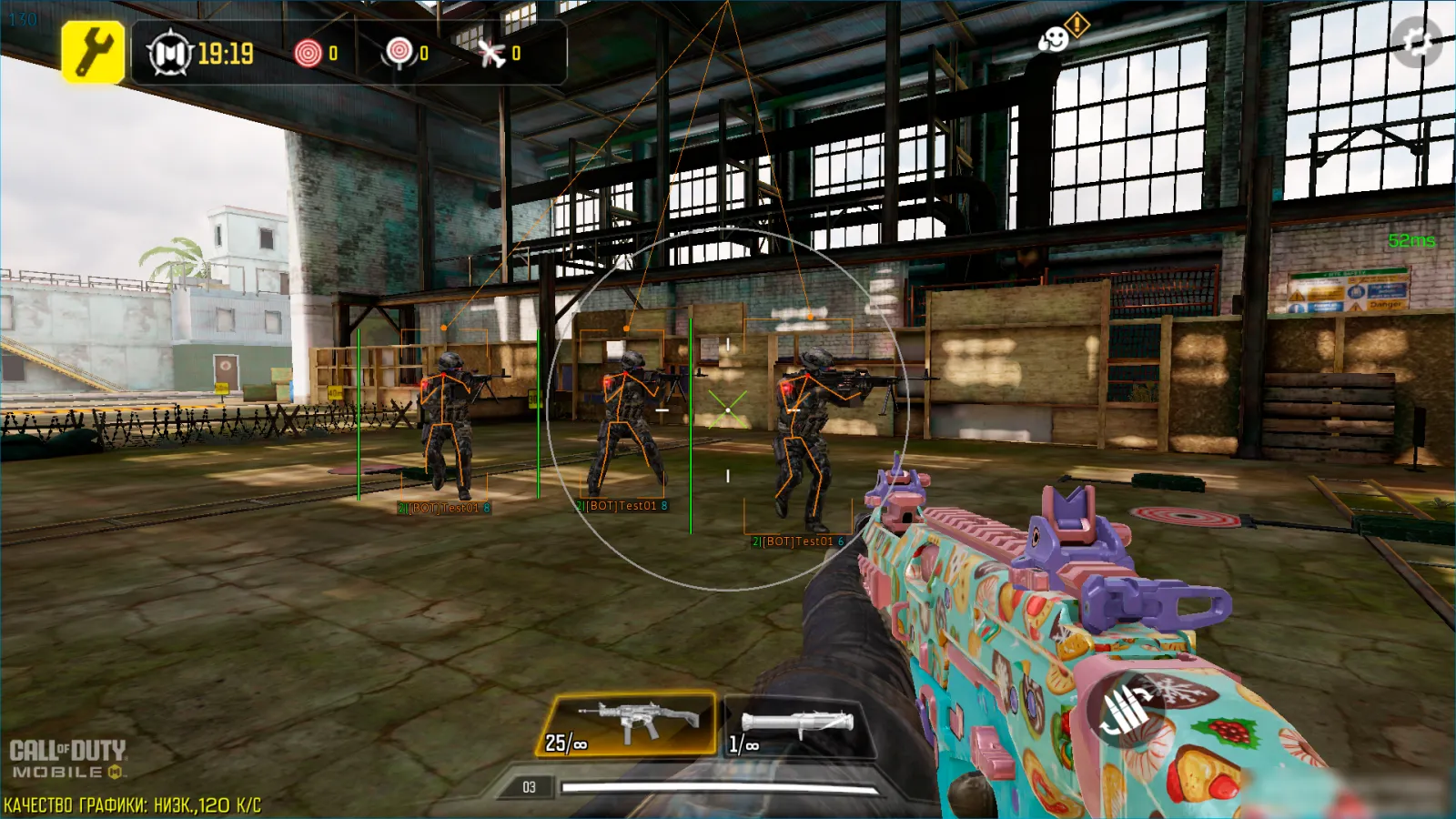
CALL OF DUTY MOBILE Open

CALL OF DUTY MOBILE

PC iOS Android
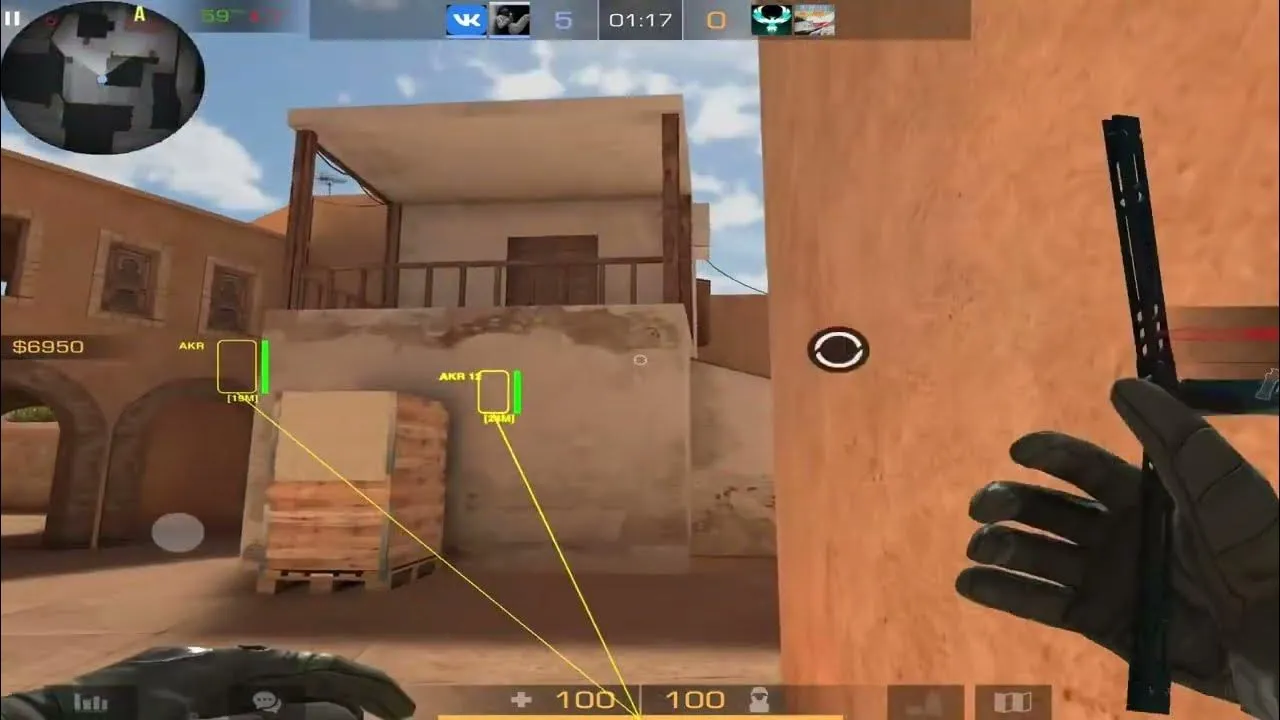
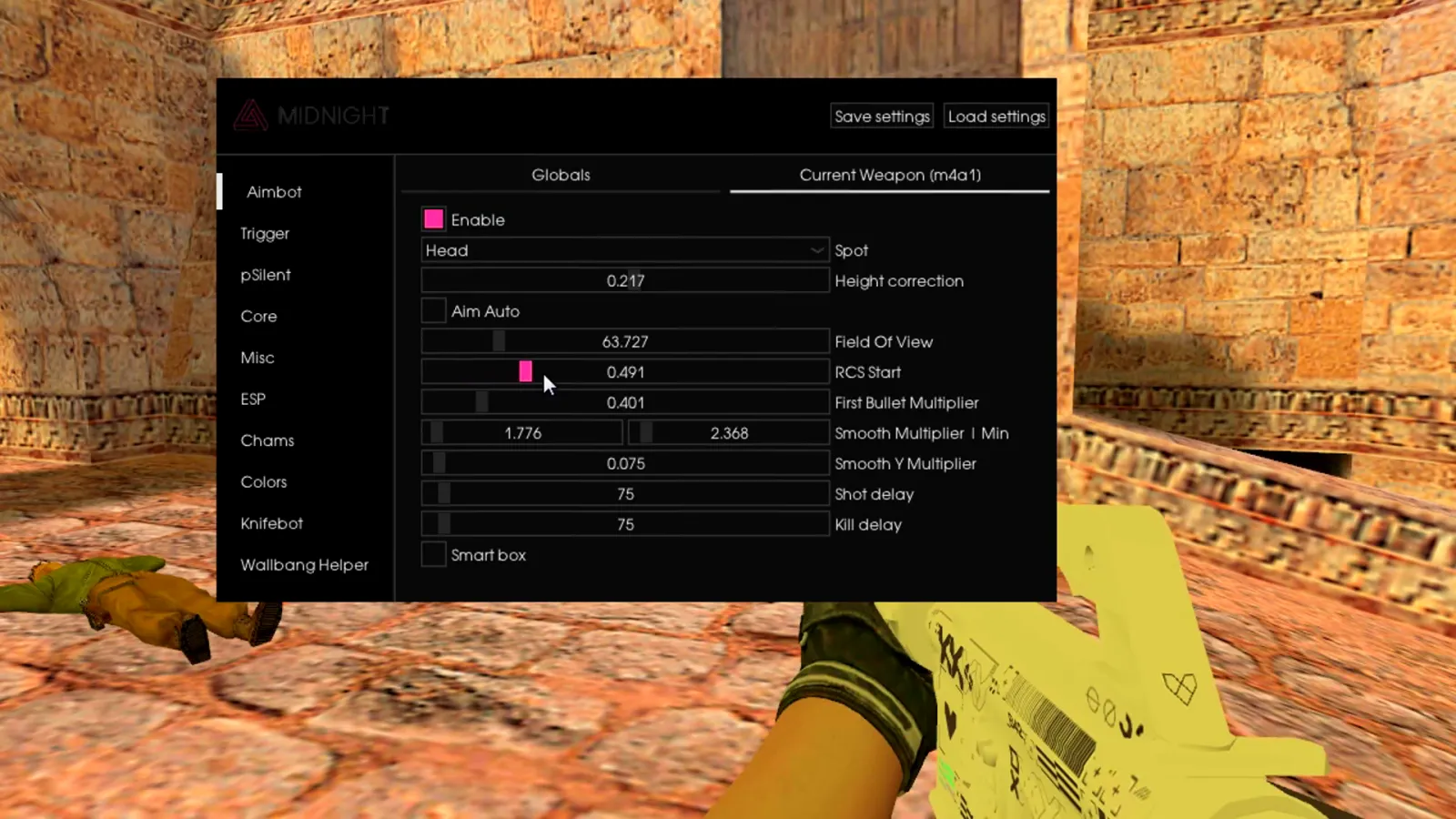
Counter-Strike 1.6 Open

Counter-Strike 1.6

PC
Counter-Strike 2 Open

Counter-Strike 2

PC
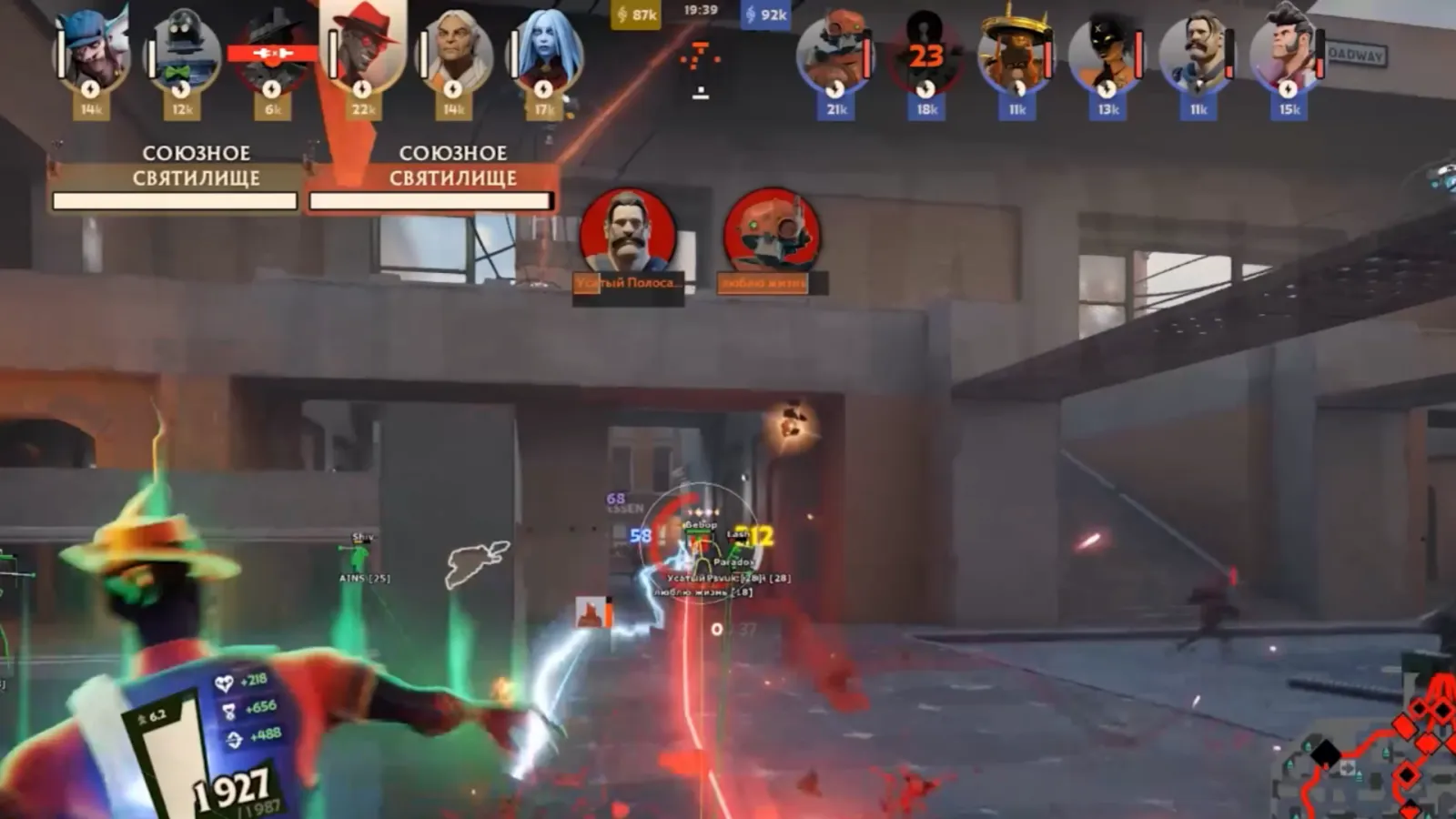
DEADLOCK Open

DEADLOCK

PC
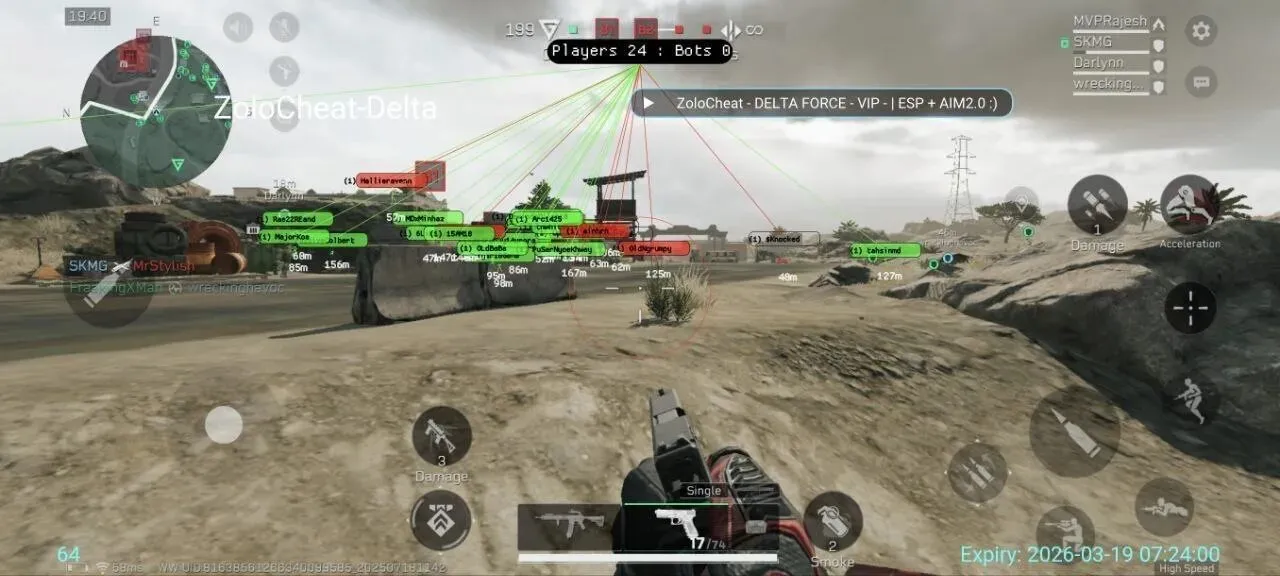
DELTA FORCE (PC) Open

DELTA FORCE (PC)

PC
Delta Force mobile Open

Delta Force mobile

PC iOS Android
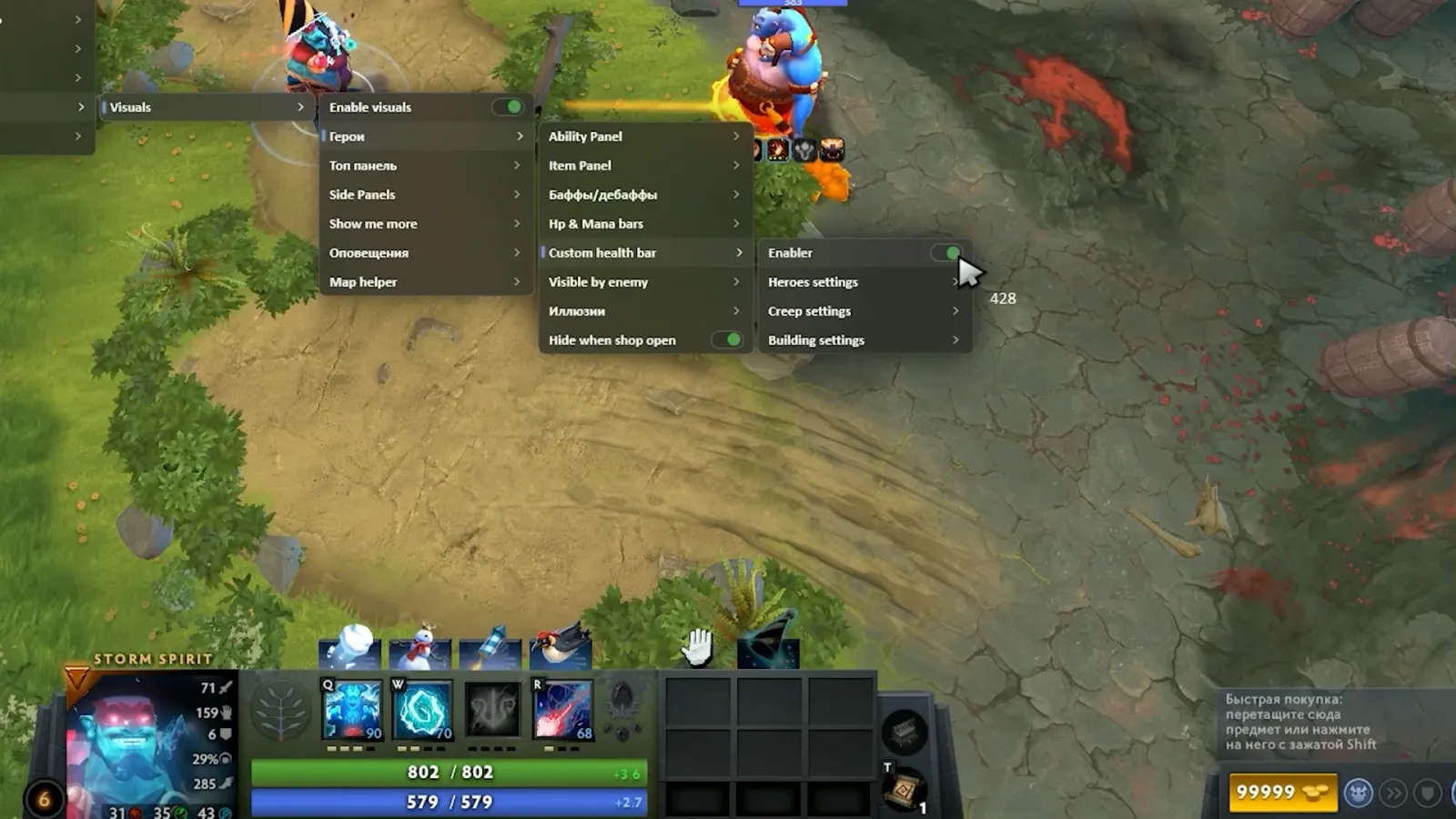
Dota 2 Open

Dota 2

PC
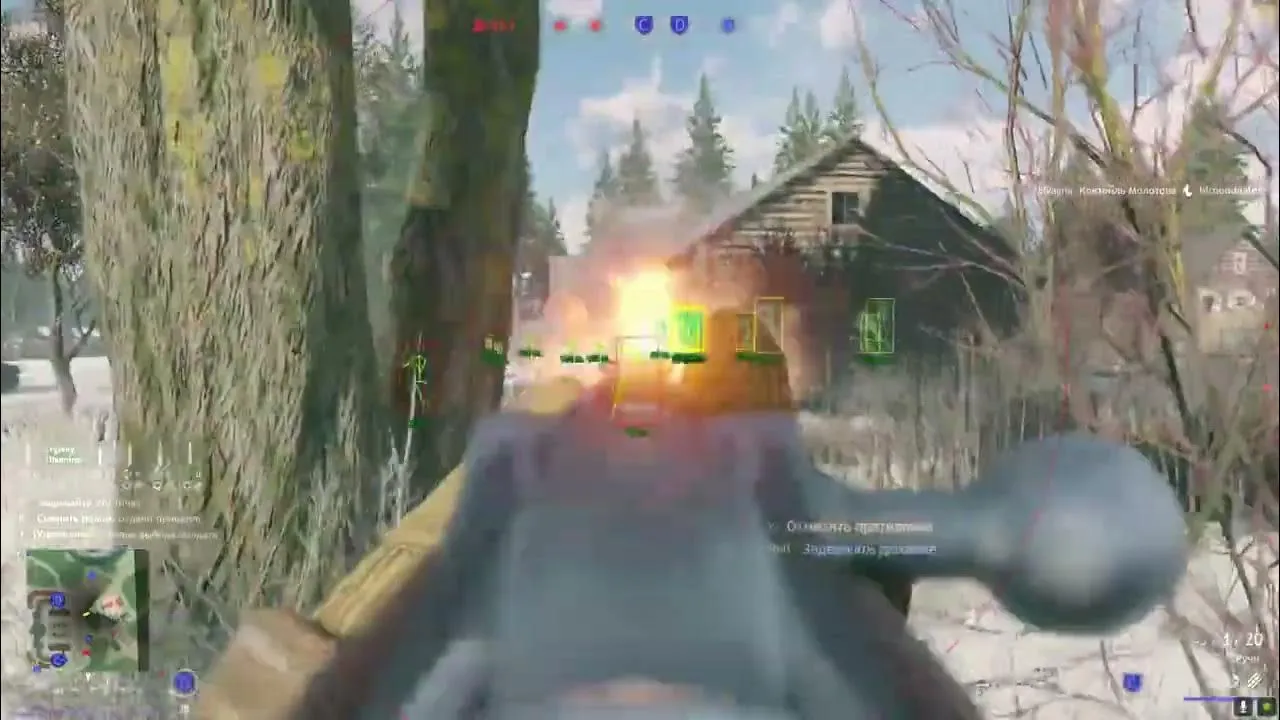
Enlisted | Gaijin + Steam Open

Enlisted | Gaijin + Steam

PC
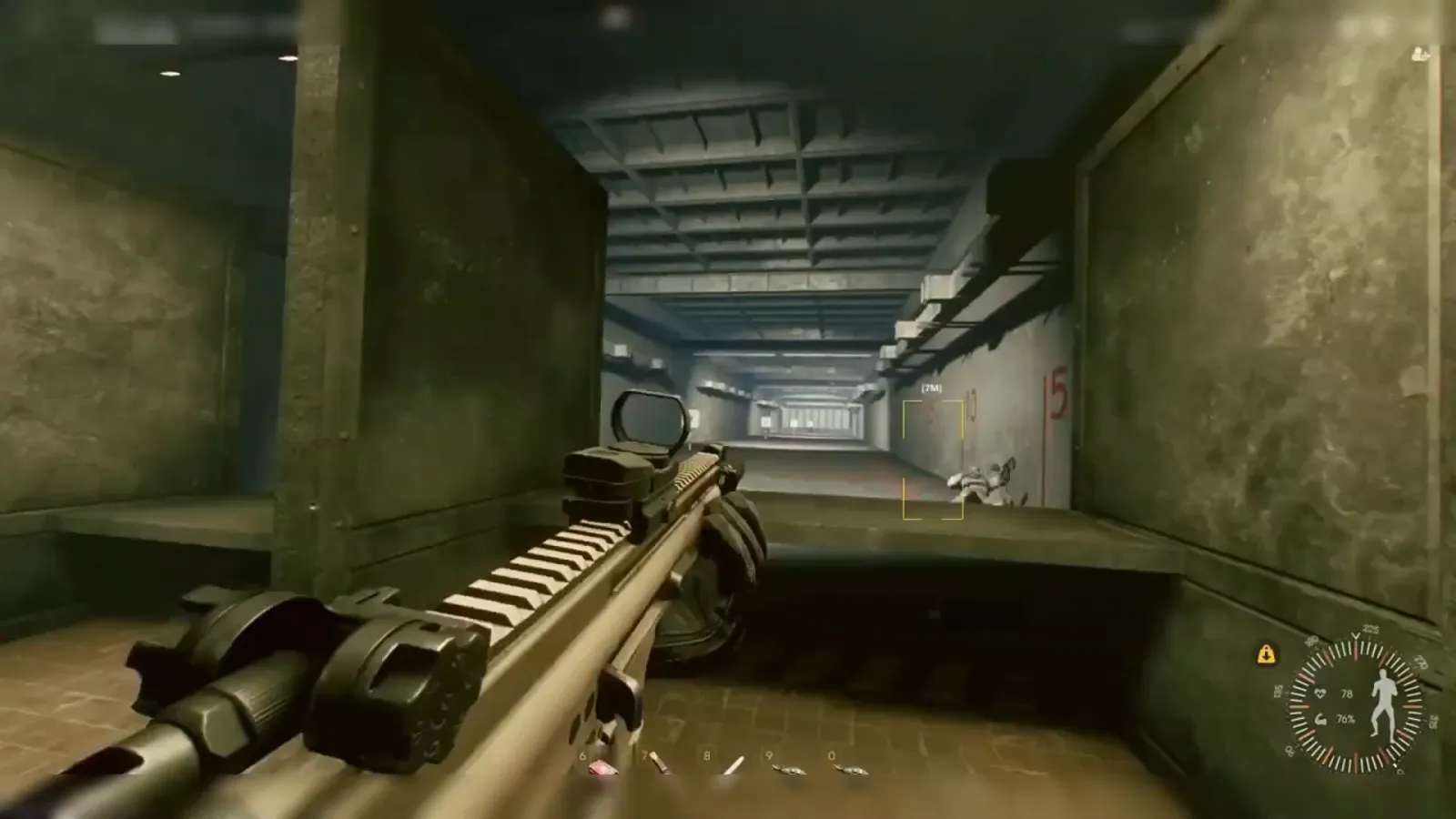
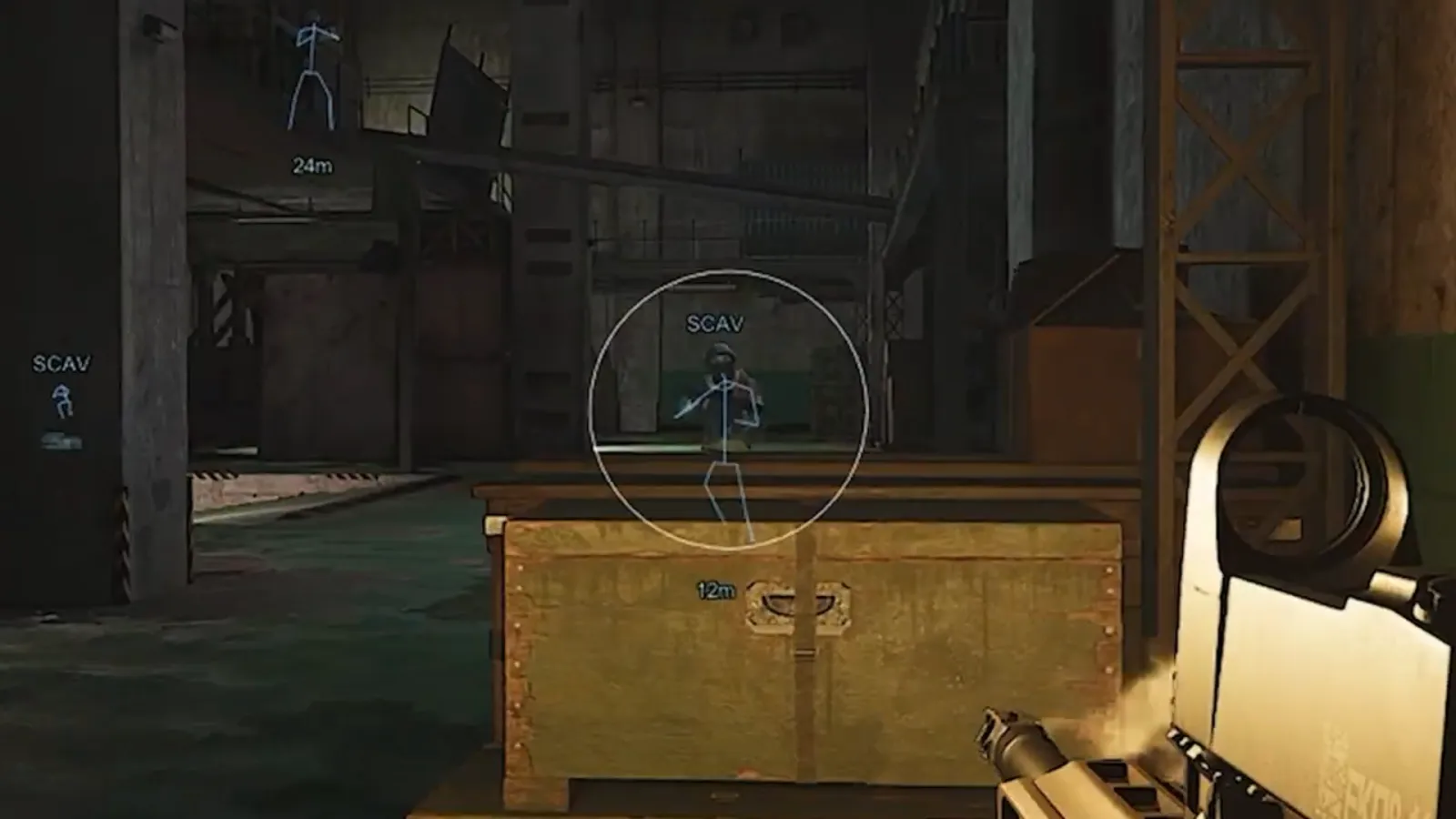
Escape From Tarkov + Arena rage / legit Open

Escape From Tarkov + Arena rage / legit

PC
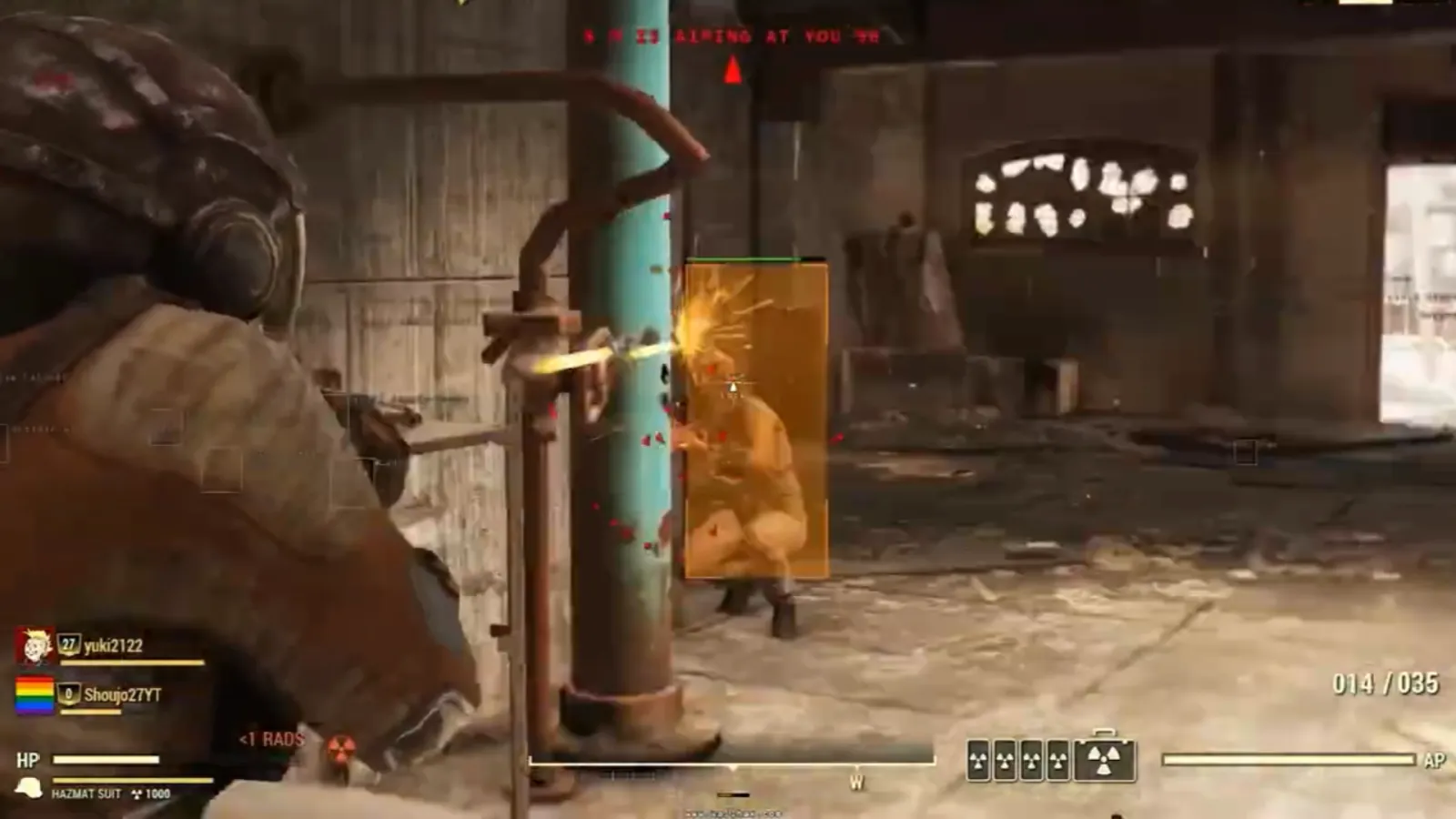
Fallout 76 Open

Fallout 76

PC
Farlight 84 + mobile Open

Farlight 84 + mobile

PC iOS Android
Fortnite Open

Fortnite

PC
Garrys Mod Open

Garrys Mod

PC
Genshin Impact + Mobile Open

Genshin Impact + Mobile

PC iOS Android
HELL LET LOOSE Open

HELL LET LOOSE

PC
HELLDIVERS 2 Open

HELLDIVERS 2

PC
HUNT: SHOWDOWN Open

HUNT: SHOWDOWN

PC
Honkai: Star Rail + mobile Open

Honkai: Star Rail + mobile

PC iOS Android
Insurgency Open

Insurgency

PC
LOST LIGHT + MOBILE Open

LOST LIGHT + MOBILE

PC iOS Android
League of Legends Open

League of Legends

PC
MOBILE LEGENDS Open

MOBILE LEGENDS

iOS Android
Marathon Open

Marathon

PC
Marvel Rivals Open

Marvel Rivals

PC
NTE Neverness to Everness Open

NTE Neverness to Everness

PC iOS Android
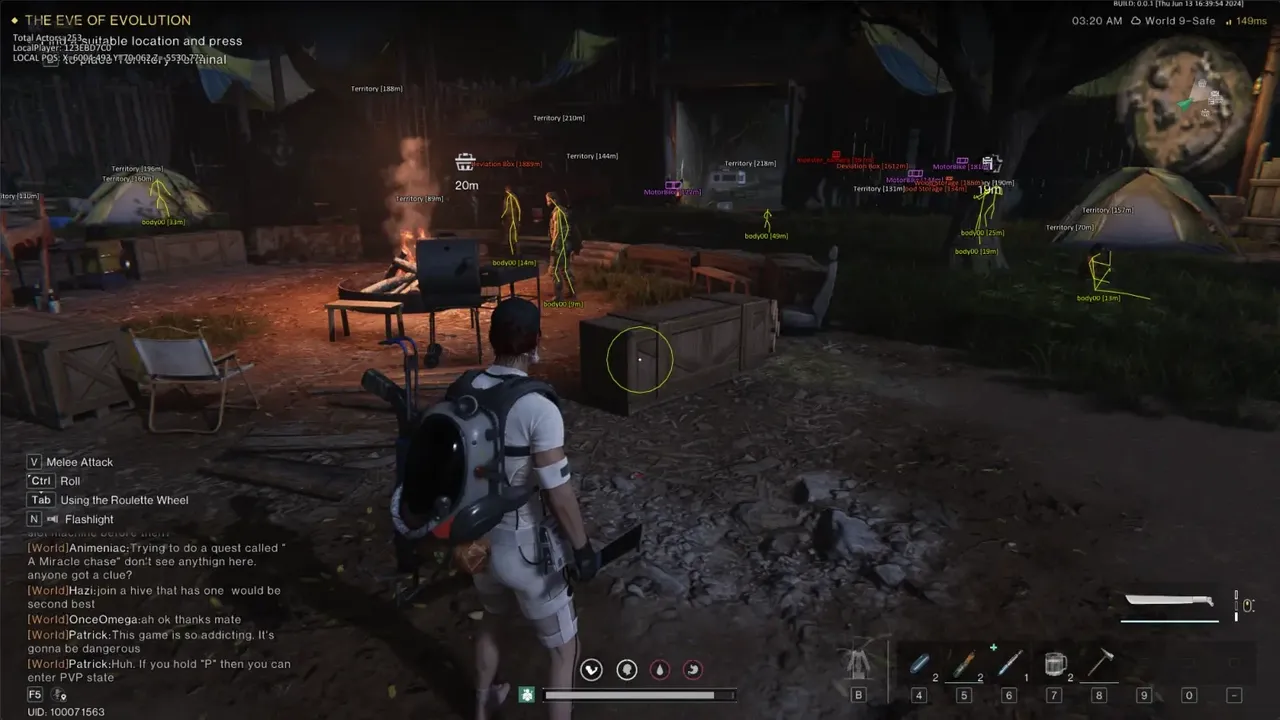
Once Human + mobile Open

Once Human + mobile

PC iOS Android
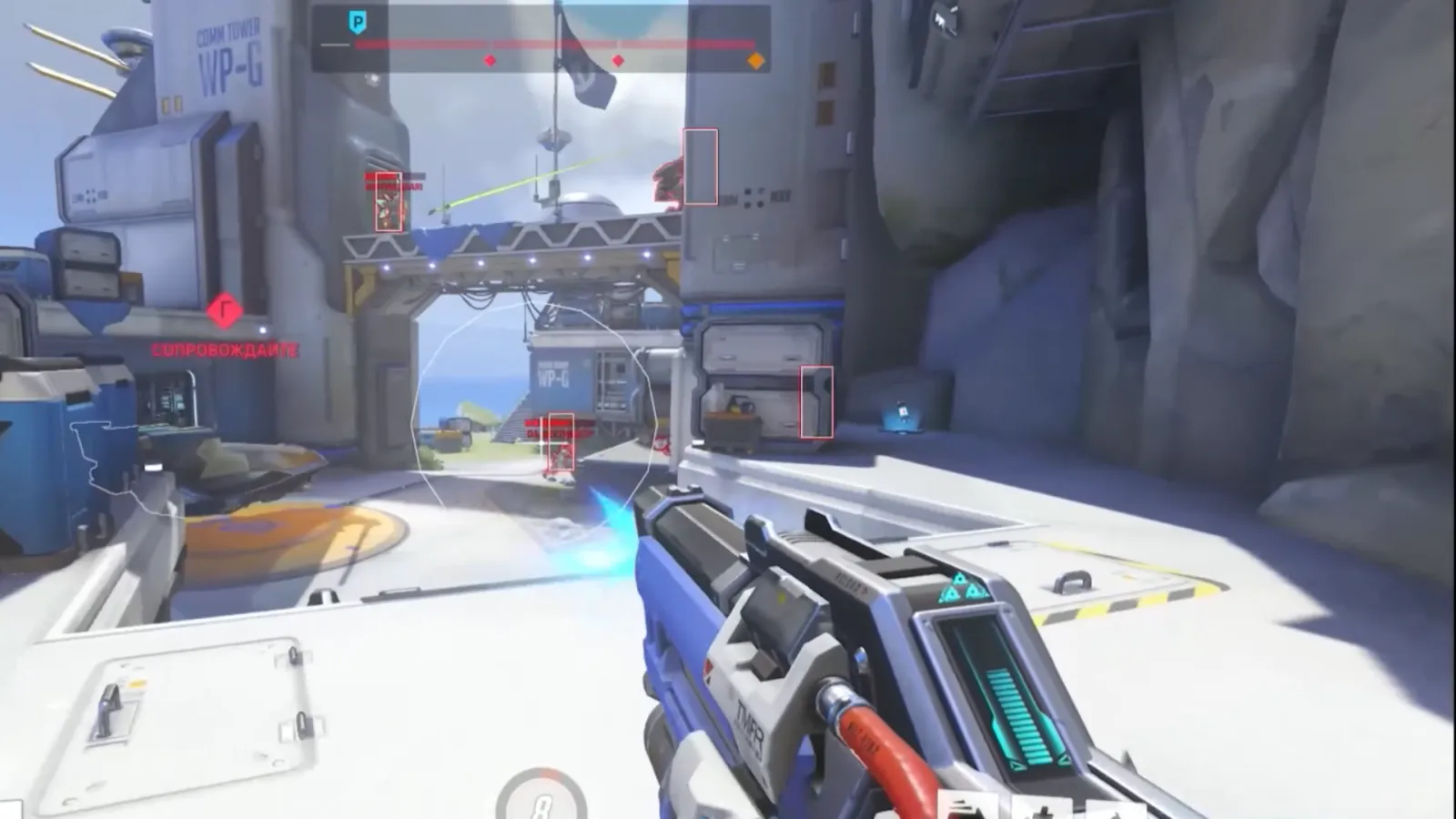
Overwatch 2 Open

Overwatch 2

PC
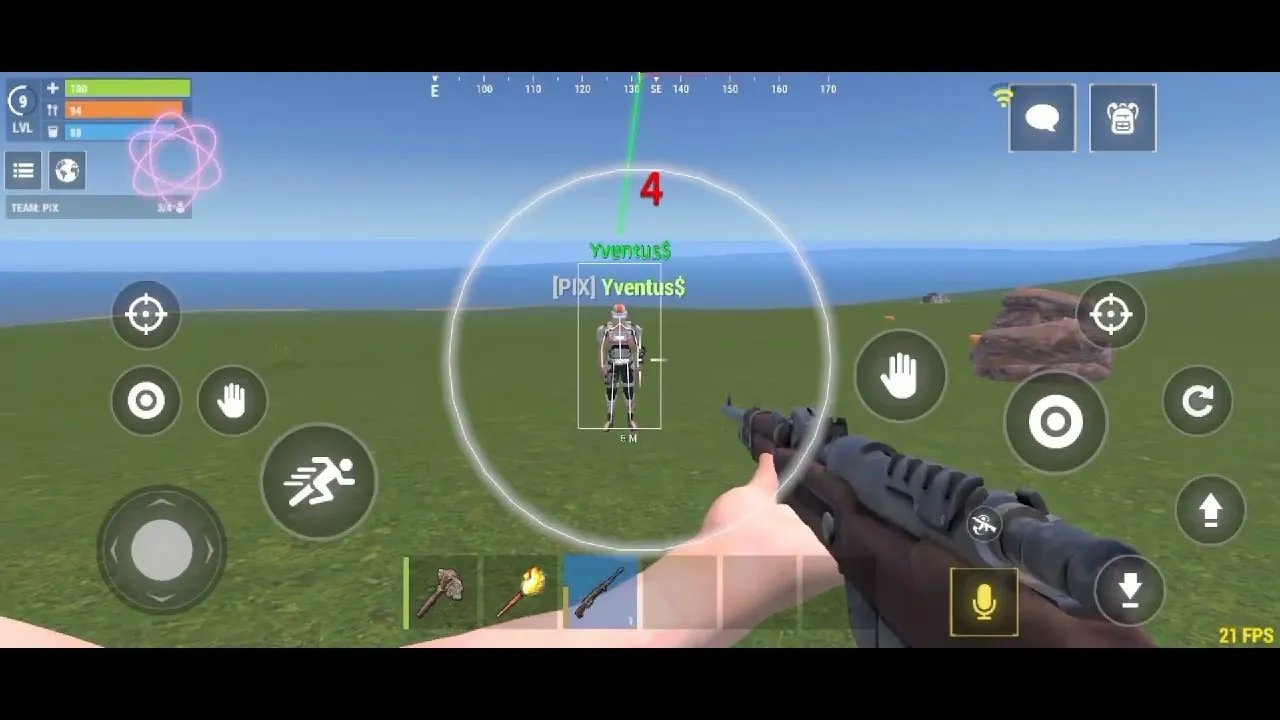
Oxide : survival island Open

Oxide : survival island

PC iOS Android
PALADINS Open

PALADINS

PC
PUBG Open

PUBG

PC
PUBG Mobile Open

PUBG Mobile

PC iOS Android
Rainbow Six Siege Open

Rainbow Six Siege

PC
Rust Open

Rust

PC
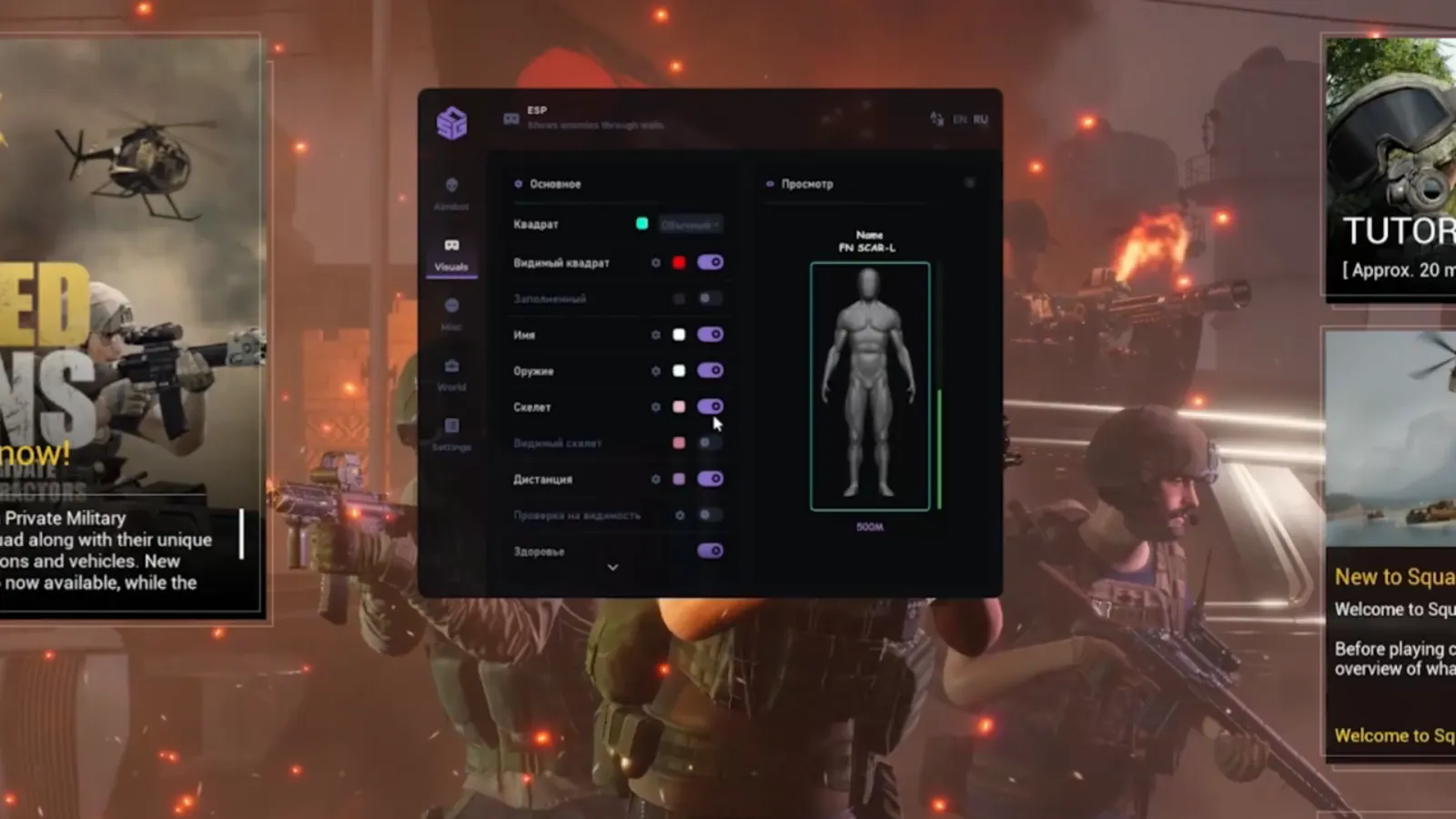
SQUAD Open

SQUAD

PC
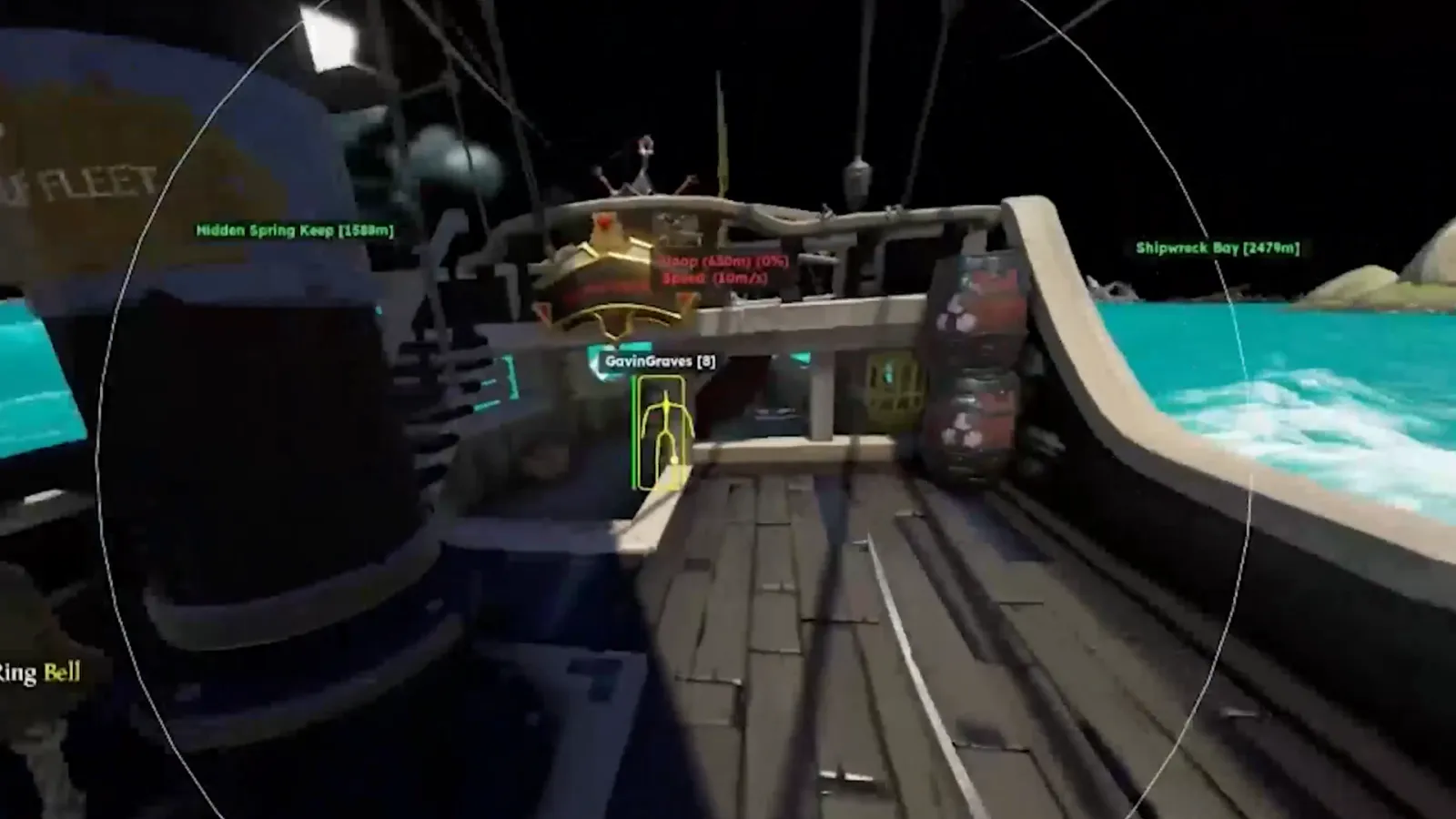
Sea Of Thieves Open

Sea Of Thieves

PC
Spoofer/Arena Breakout Open

Spoofer/Arena Breakout

PC
Spoofer/Warface/MRAC Open

Spoofer/Warface/MRAC

PC
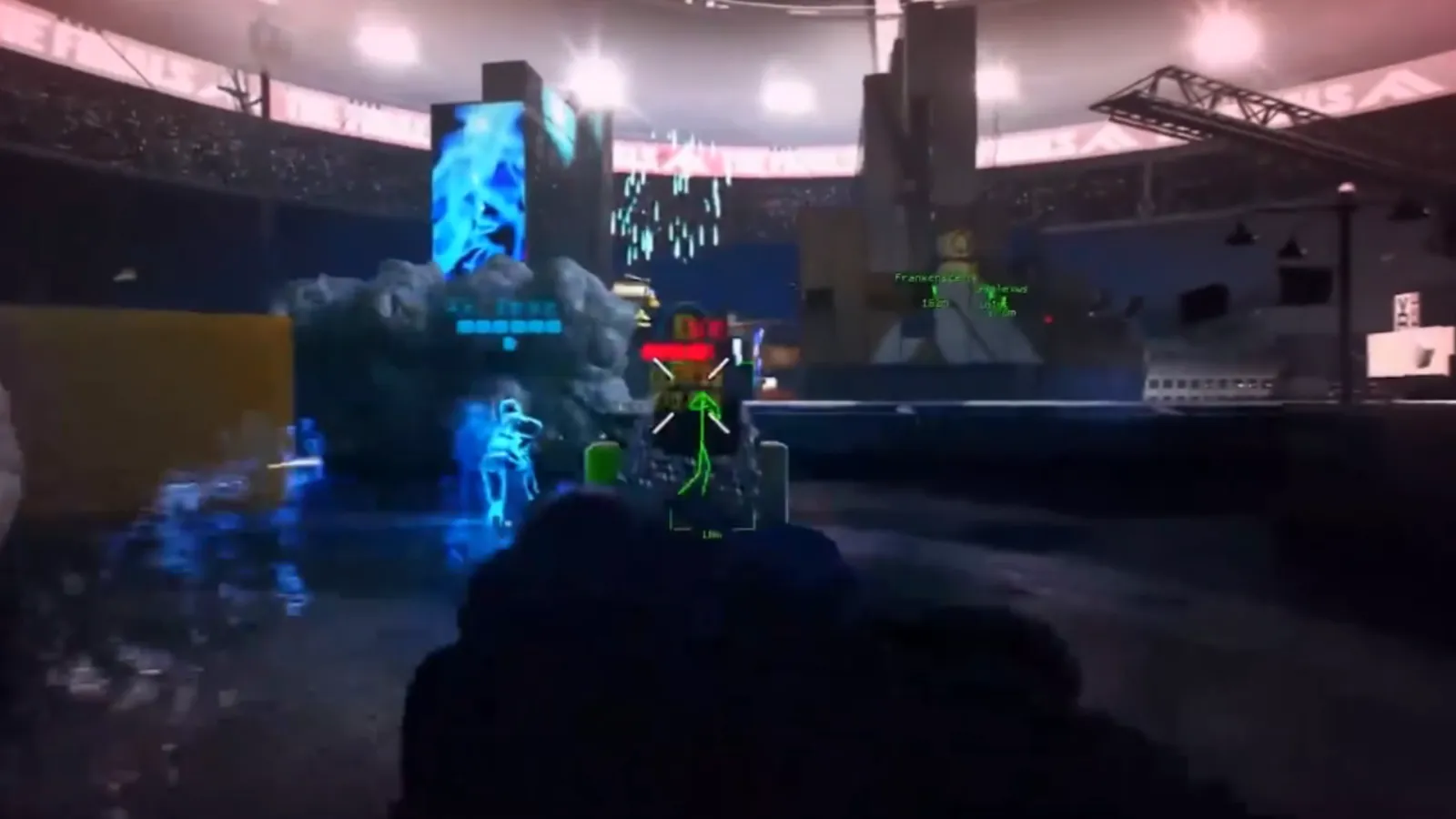
THE FINALS Open

THE FINALS

PC
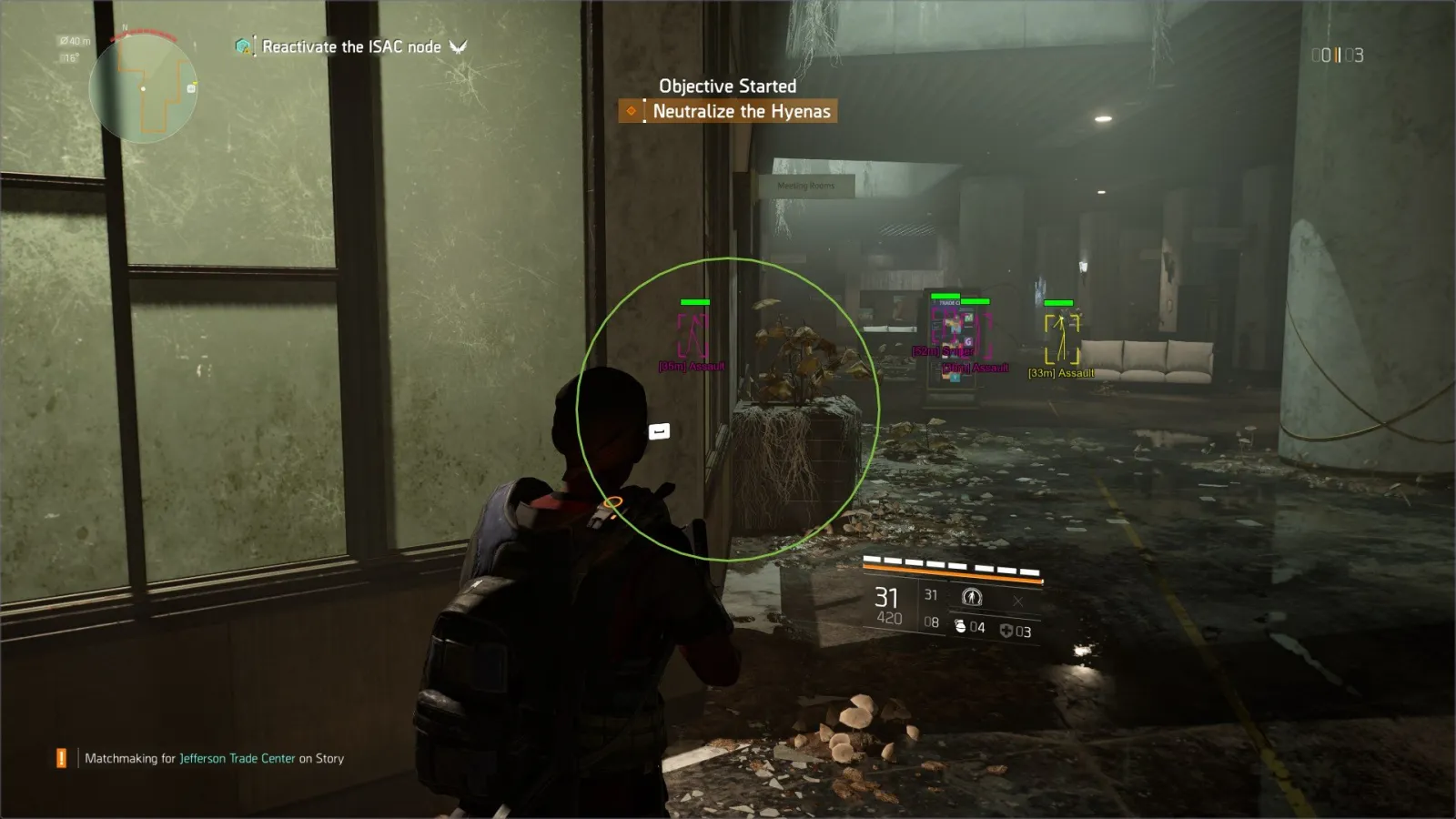
The Division 2 Open

The Division 2

PC
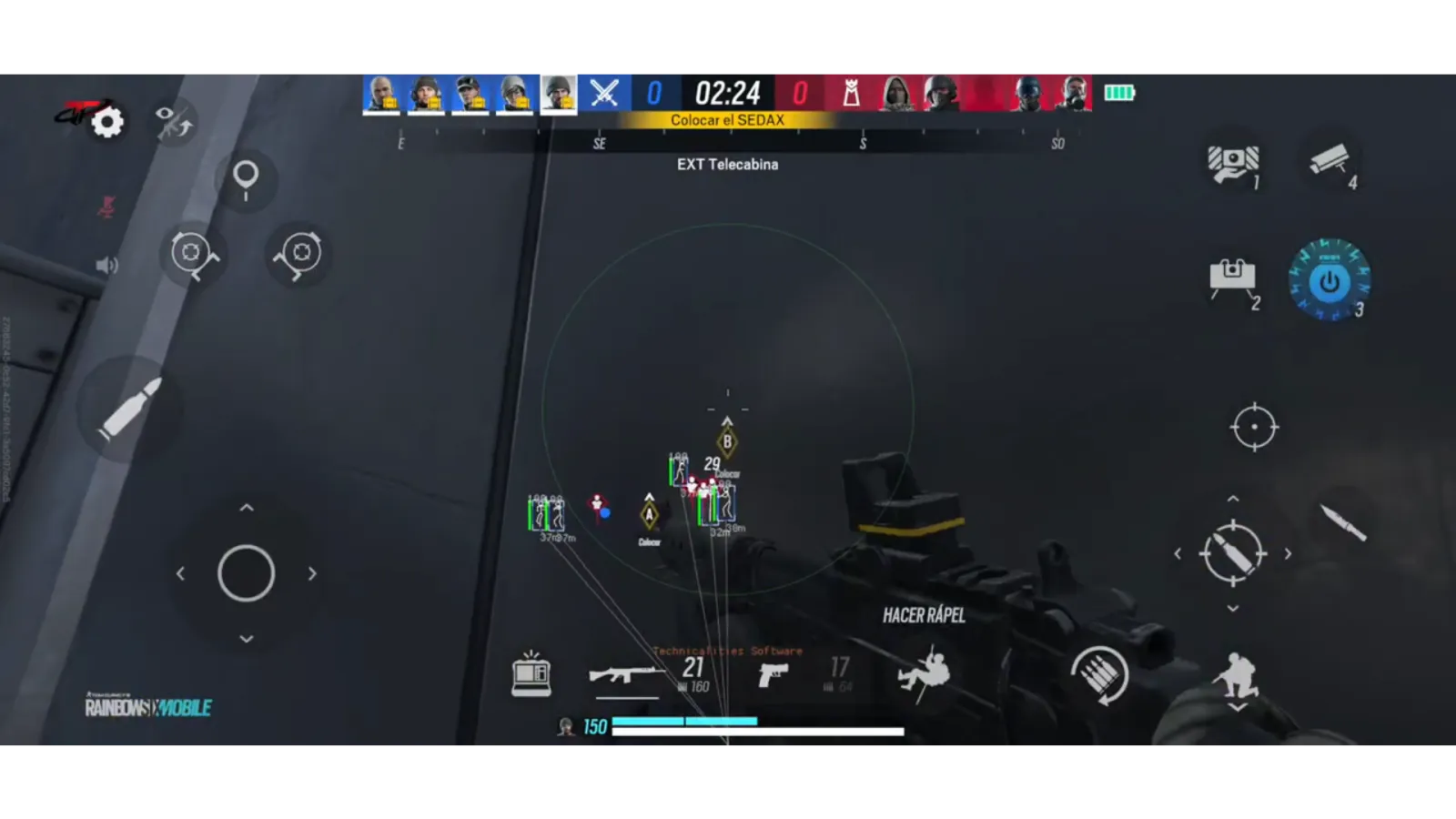
Tom Clancy Rainbow Six Mobile Open

Tom Clancy Rainbow Six Mobile

PC iOS Android
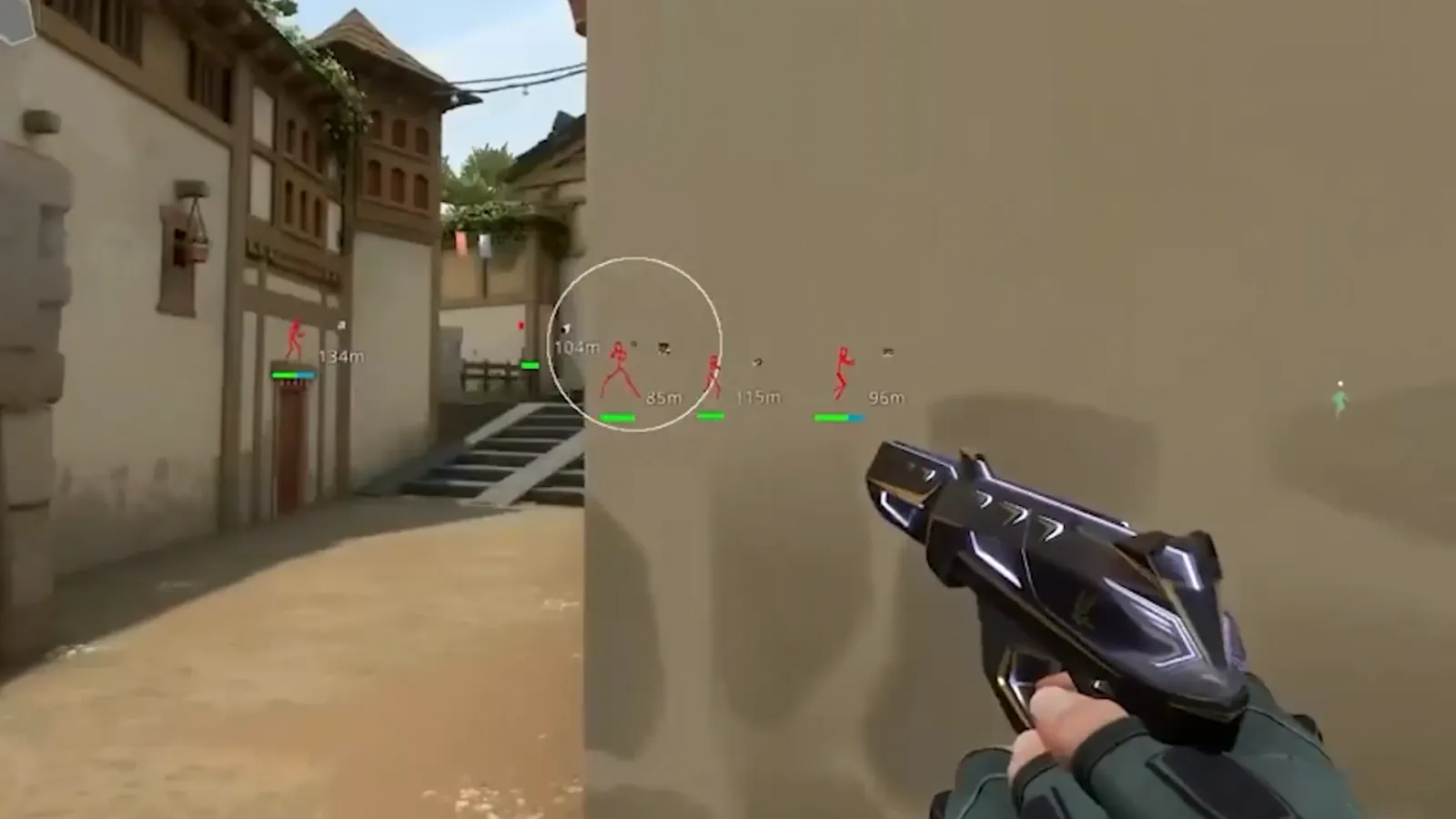
Valorant / Aim / WH / Skin changer Open

Valorant / Aim / WH / Skin changer

PC
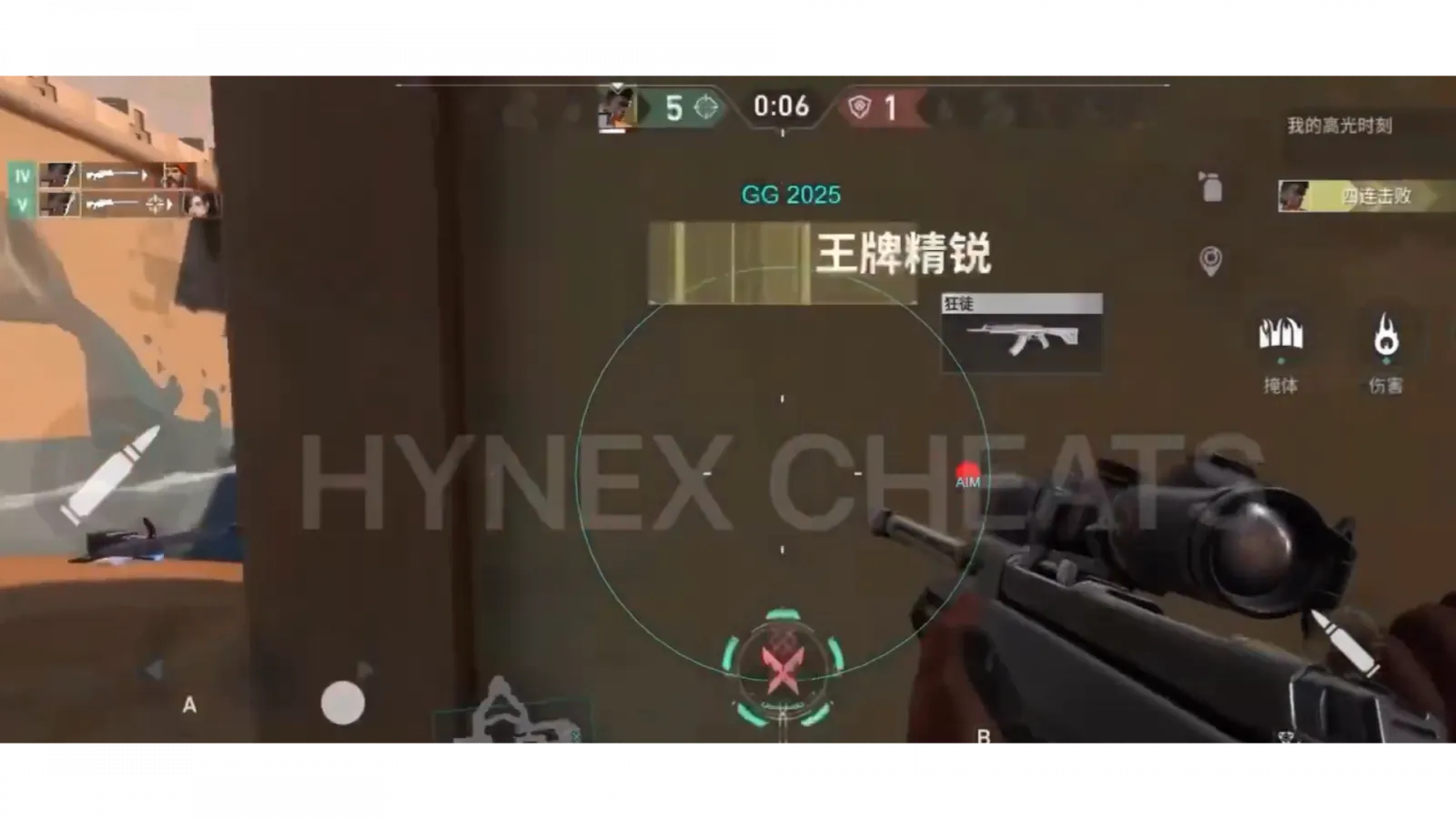
Valorant Mobile Open

Valorant Mobile

PC iOS Android
WARDOGS Open

WARDOGS

PC
WARFACE Open

WARFACE

PC
WARFRAME + mobile Open

WARFRAME + mobile

PC iOS Android
War Thunder + INFANTRY Open

War Thunder + INFANTRY

PC
World of Warships Open

World of Warships

PC
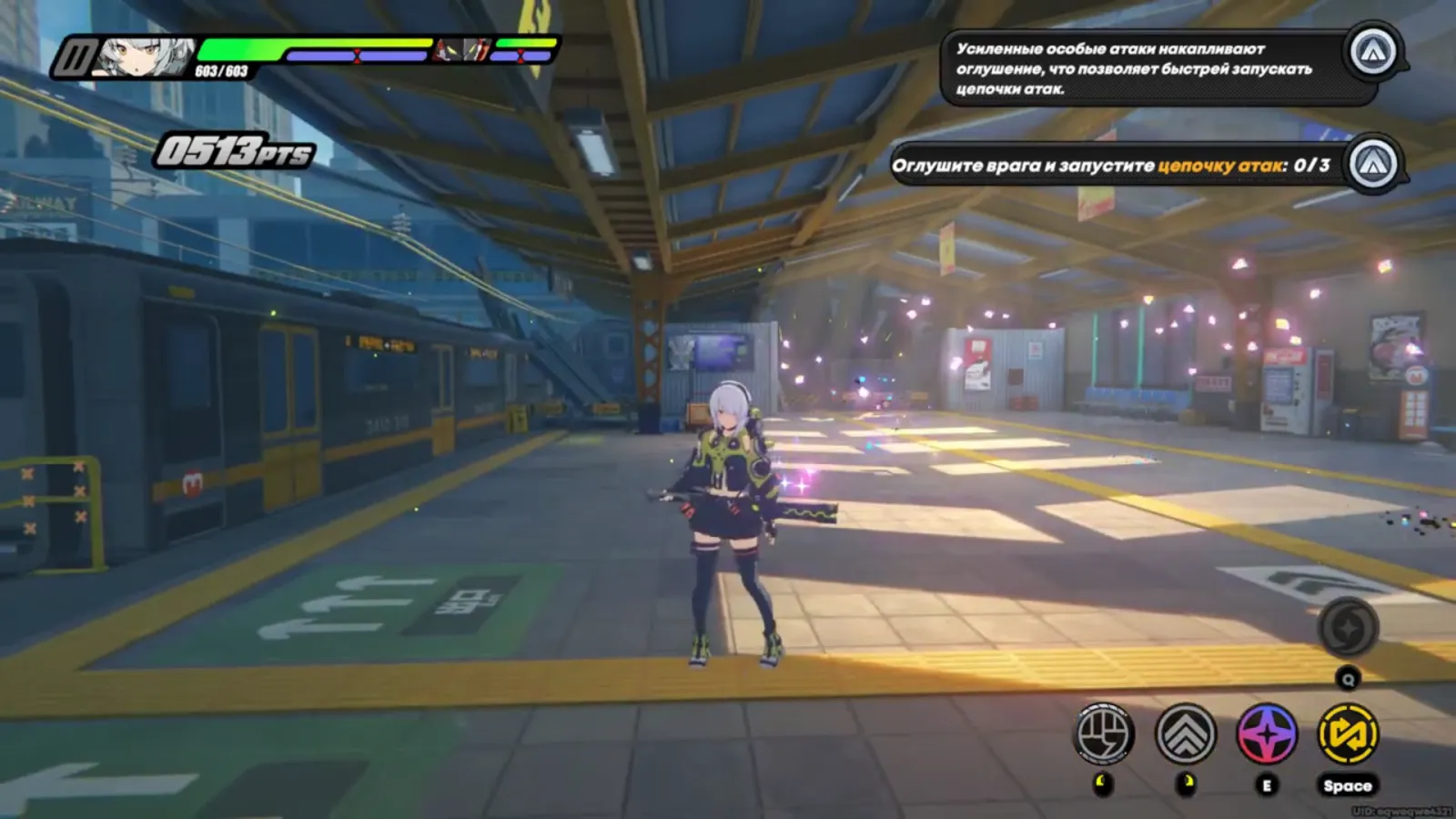
Zenless Zone Zero Open

Zenless Zone Zero

PC iOS Android
DayZ Open

DayZ

PC
spoofer / EAC / BE / FACE IT / FIVEM / ACE / VANGUARD Open

spoofer / EAC / BE / FACE IT / FIVEM / ACE / VANGUARD

PC
spoofer / EAC / BE / Ricochet / ACE / TMP Open

spoofer / EAC / BE / Ricochet / ACE / TMP

PC
spoofer/EAC, BattlEye, ACE and Ricochet Open

spoofer/EAC, BattlEye, ACE and Ricochet

PC
spoofer / Easy Anti Cheat / Battle Eye / Ricochet / ACE / NetEase Open

spoofer / Easy Anti Cheat / Battle Eye / Ricochet / ACE / NetEase

PC
valorant / ColorBot / trigerbot Open

valorant / ColorBot / trigerbot

PC
warface neural cheat /neuron without Makcu and external boards Open

warface neural cheat /neuron without Makcu and external boards

PC

Do not see your game? Write to the chat — we will tell you honestly whether a working build exists.

Buying process

Four steps, about two minutes

  1. 01

    Pick a product and a term

  2. 02

    Enter your email

  3. 03

    Pay the usual way

  4. 04

    Launch and play

Key did not arrive? Check the spam folder first, then press «I have paid — check» in the order card. Still nothing — write to the chat: we send the key by hand or return the money.

Why people come back

Four things we actually do

We watch for detection

Builds are private and we check them every day. If a risk shows up we pull the product from sale and pause subscriptions instead of waiting for you to get banned.

We update on patch day

A game patch drops — we rebuild, usually the same day. You pay for the term, not for every new version.

No surprises at checkout

You see the total before pressing «Buy». The payment system may add its own 1–3% — we say so upfront instead of letting you find it on the receipt.

People answer, not a bot

Chat on the site and Telegram. The first reply usually takes under ten minutes — nights and weekends included.

Questions & answers

What people ask before buying

If your question is not here — open the chat, we answer everyone.

How can I find out if the cheat has received the updates?
All information about updates and project status is indicated below the video gallery. We check the relevance of the information and the project status once a day.
Will there be no additional charges?
Yes! All updates are free for the entire duration of the subscription. For example, if you purchased a 15‑day subscription and an update is released the very next day, you will be able to install it for free. It doesn’t matter how many updates are released during those 15 days — each of them is available without additional charge.
Where will the cheat appear? After the purchase.
The data will appear in your personal account, and we will also duplicate it to your email. If you didn’t specify an email and just checked the box, copy the login details from your personal account.
Do you produce software?
No, we act as resellers. The chips, macros, and other software are developed by third‑party teams in China and other countries. We sell them in the Russian Federation for a commission.
How does unlimited access work?
The unlimited subscription is tied to your device. You won’t be able to transfer it to another PC or smartphone without additional payment. All updates to the reader within the subscription are free, just like with other plans. Use the reader throughout the entire subscription period without any restrictions.
Installing the reader on Windows
Open Loader and log in to your account.
Go to the “Installation” section and select the required cheat.
Click “Launch”.
Follow all the instructions that appear directly on the screen.
Depending on the cheat, the game may need to be running or closed — Loader will immediately tell you exactly what needs to be done.
Follow the specified steps in order — all necessary actions will be shown on the screen.
Installing a reader on Android without root rights
Download Loader — the download button is located at the top of the page.
Grant all necessary permissions and launch Loader.
In the “Profile” section, log in to your account using the same email address you use to log in to the website.
Go to the “Installation” section and select the purchased product.
Click “Install” and follow the on‑screen instructions.
If additional actions are required, Loader will automatically display a detailed guide.
All updates and instructions will be available in the same section.
Allow notifications so you don’t miss important updates and messages.
Installing the cheat on iOS
There is no general Loader for iOS.
After the purchase, the necessary files will appear in your personal account on the website:
Open your personal account and navigate to the purchased product.
Download the certificate and the file with the detailed installation guide.
Follow the instructions in the guide — all the necessary steps are described in detail.
If an update or reinstallation is required, the up‑to‑date information will also be available in your personal account.
5